
How To AirPlay to TV: iPhone, iPad & Mac Guide (2026)
How To AirPlay to TV AirPlay lets you wirelessly stream video, photos, music, and your entire screen from an iPhone, iPad, or Mac to your TV. Whether you have an


How To AirPlay to TV AirPlay lets you wirelessly stream video, photos, music, and your entire screen from an iPhone, iPad, or Mac to your TV. Whether you have an
How To Allow Pop-Ups on iPhone Some websites require pop-ups to work properly — for login windows, payment processing, file downloads, or verification forms. If a website isn’t loading correctly
How To Share WiFi Password Sharing your WiFi password with guests, family members, or new devices is easy on iPhone, Android, Mac, and Windows. You don’t always need to remember
How To Screen Record on Windows Recording your screen on Windows is useful for creating tutorials, capturing gameplay, recording presentations, or saving video calls. Windows 10 and 11 include free
How To Screenshot on Chromebook Taking a screenshot on a Chromebook is fast and easy with keyboard shortcuts or the built-in Screen Capture tool. Whether you need a full-screen capture,
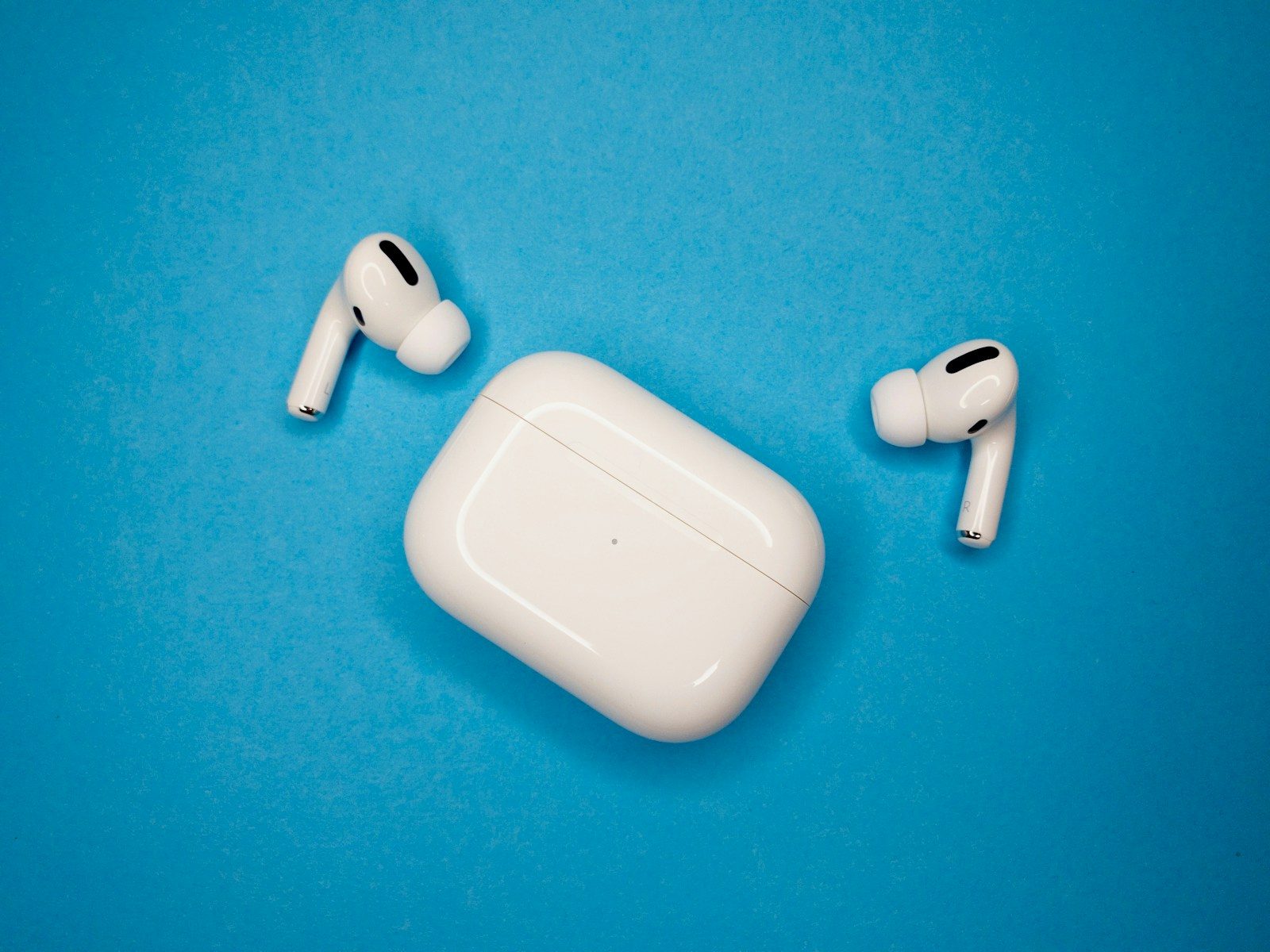
The PS5 doesn’t natively support Bluetooth audio headphones, but you can still use AirPods with your PS5 using a Bluetooth adapter. Here’s how to connect AirPods, AirPods Pro, or AirPods
How To Connect AirPods to a Laptop AirPods work with any Bluetooth-enabled laptop, not just MacBooks. Whether you have a Windows laptop from Dell, HP, Lenovo, or ASUS, or a
Why Is My Computer So Slow? 12 Fixes for Windows and Mac A slow computer is one of the most frustrating tech problems, but the fix is often simpler than
How To Split Screen on Mac and Windows Split screen lets you view two apps side by side, which is ideal for multitasking — comparing documents, following a tutorial while
How To Right Click on a Mac Right-clicking on a Mac opens context menus for quick actions like copy, paste, rename, and more. Unlike Windows mice with a dedicated right
How To Copy and Paste on Mac Copying and pasting on a Mac works differently from Windows — you use the Cmd (⌘) key instead of Ctrl. Once you learn
How To Clear Cookies on iPhone Clearing cookies on your iPhone fixes login issues, removes tracking data, and frees up storage. Cookies are small files websites store on your device
How To Delete Search History Deleting your search history protects your privacy and keeps your browsing data clean. Whether you want to clear Google search history, browser history, or search
How To Screenshot on Mac Taking a screenshot on Mac is quick once you know the keyboard shortcuts. macOS has powerful built-in screenshot tools — you can capture your full
My Computer Won’t Turn On: How To Fix It When your computer won’t turn on, it can feel alarming — but most causes are simple to fix. Whether your PC
How To Screenshot on Windows Taking a screenshot on Windows is essential for saving information, sharing your screen, or documenting issues. Windows 10 and Windows 11 offer multiple built-in methods
How To Clear Cache in Chrome Clearing your browser cache in Google Chrome fixes slow page loading, display errors, and outdated content issues. Whether you are on a Windows PC,
Powerwash (factory reset) your Chromebook to erase all data and fix issues. Reset from Settings, keyboard shortcut, or Recovery Mode. Works on all Chromebook brands.
Scan documents on iPhone using the built-in camera scanner in Notes, Files, and third-party apps. Create PDFs, sign documents, and scan QR codes. No app download needed.
Transfer photos and videos from iPhone to Windows PC or Mac. Use USB cable, iCloud Photos, AirDrop, Google Photos, and wireless methods. Keep originals in full quality.
Change or reset your Apple ID password from iPhone, iPad, Mac, or web. Recover a forgotten Apple Account password, enable two-factor authentication, and secure your account.
Reset your iPad via Settings, Recovery Mode, or Find My. Factory reset to erase all data, soft reset for minor issues, or force restart a frozen iPad. All models covered.

Global oil prices steadied early Friday after a strong rally, as signals of easing trade friction between the United States and China and a new United Kingdom–U.S. trade announcement lifted
The AI gadget market in 2026 is flooded with products that promise to change your life and deliver little more than a conversation piece. After testing dozens of AI-powered devices
OpenAI is sunsetting Sora, the splashy video generator that lit up social feeds with cruise ships on sidewalks and subways crashing through stations. I think this is the correct call.
Get more storage on iPhone by upgrading iCloud+, offloading apps, clearing cache, optimizing photos, and deleting large files. Check your storage and free up space fast.
Turn off any iPhone model using buttons, Settings, Siri, or AssistiveTouch. Force shutdown a frozen iPhone. Covers iPhone 16, 15, 14, 13, SE and all older models.
Close apps on iPhone by swiping up from the App Switcher. Force quit frozen apps, close all apps, and learn when closing apps actually helps performance.
Use AirDrop to send photos, videos, files, links, and contacts between Apple devices wirelessly. Turn on AirDrop, fix issues, and use NameDrop on iPhone.
Delete apps on iPhone from the home screen, App Library, or Settings. Offload unused apps to save storage while keeping data. Remove built-in Apple apps too.