


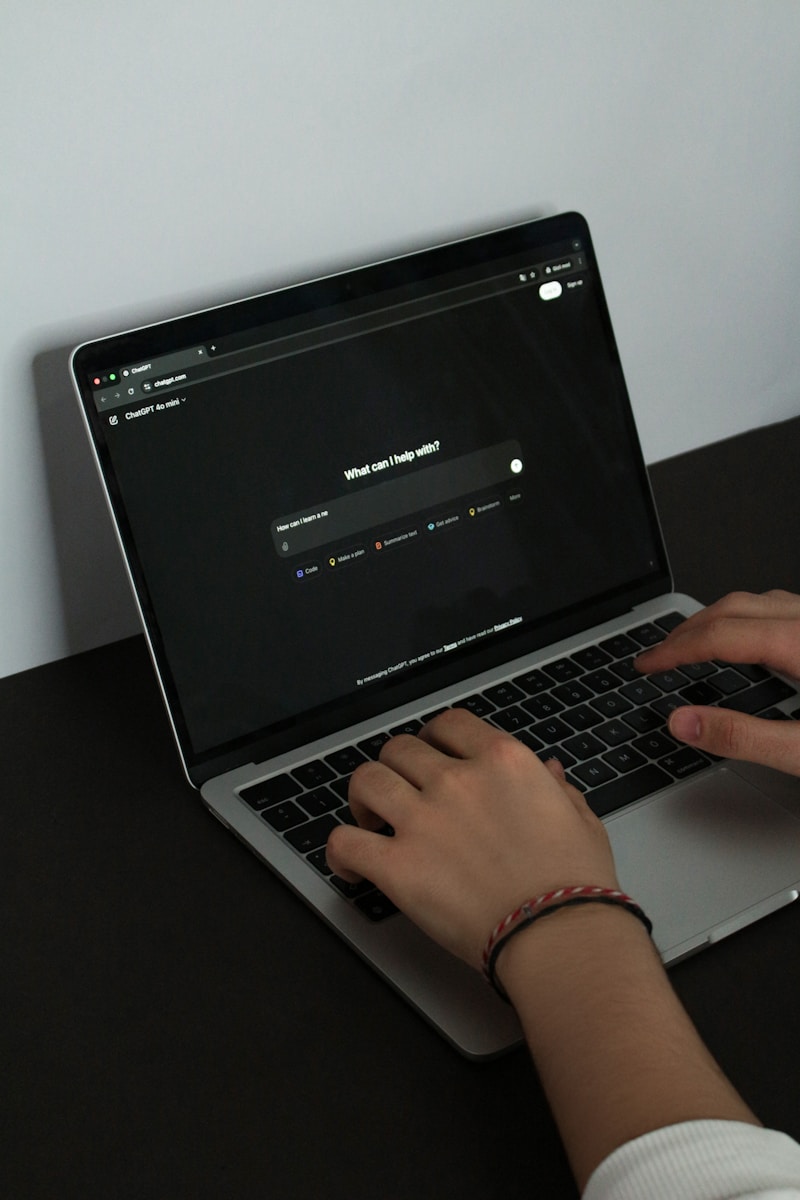
OpenAI has just launched ChatGPT Atlas, a new AI-powered web browser that might completely change our relationship with the internet. As someone who’s been following AI developments closely, I believe this could be a pivotal moment in how we interact with online content.
The browser looks deceptively simple at first glance – tabs across the top, bookmarks, and other familiar elements you’d expect. But beneath this conventional exterior lies something revolutionary: a browser built entirely around ChatGPT that can browse, click, type, and perform tasks autonomously on your behalf.
What makes Atlas stand out isn’t just having ChatGPT in a sidebar – it’s that ChatGPT is running the browser itself. This fundamental shift in design philosophy could potentially make traditional browsers like Chrome obsolete.
Key Features That Set Atlas Apart
The most impressive aspects of Atlas include:
- A URL bar that doubles as a ChatGPT prompt box
- AI-powered search that replaces Google
- Memory features that remember your browsing history and past conversations
- Agent mode that can perform tasks autonomously
- Text editing capabilities within websites like Gmail
The memory feature particularly stands out to me. How many times have you read an article and later struggled to find it again? Atlas can search your browsing history contextually – you can simply ask, “What was that knowledge management tool I looked at yesterday?” and it will find it for you.
For privacy-conscious users, these memory features can be disabled in settings, along with options to prevent your data from being used to train OpenAI’s models.
Agent Mode: The Future of Browsing?
The most groundbreaking feature is Agent Mode, which allows ChatGPT to take control of your browser. It can click buttons, fill forms, and navigate websites on your behalf. During testing, I asked it to check my Google Calendar for next week’s appointments and to add toilet paper to my Amazon cart – both tasks it completed successfully.
While impressive, there are limitations. The agent works somewhat slowly compared to human browsing, and there are legitimate security concerns about potential prompt injection attacks. OpenAI has implemented safeguards, like requiring user confirmation before completing purchases, but the technology is still evolving.
The real power comes when you have multiple agents working simultaneously on different tasks. This could transform productivity – imagine delegating 10 different online tasks and walking away while they’re completed for you.
Implications for the Web Economy
This shift toward agent-based browsing raises important questions about the future of the web economy. If users no longer need to visit websites directly to find information, what happens to advertising models and content monetization?
Content creators and website owners may need to rethink how they generate revenue in a world where AI agents mediate most web interactions. The drop in Google’s stock price following the Atlas announcement (a 3% dip during OpenAI’s livestream) suggests investors are taking this threat seriously.
We’re moving toward a future where we might simply communicate with chatbots rather than browsing websites directly. Need to buy shoes like the ones your friend is wearing? Take a picture, send it to your browser, and let the AI handle the rest.
First Impressions and Limitations
Atlas is currently only available for Mac users, with Windows and mobile versions promised soon. The Agent Mode feature requires a ChatGPT Plus ($20/month) or Pro ($200/month) subscription.
The interface is clean and uncluttered, though some UI elements like the centered URL bar take getting used to. The browser supports Chrome extensions, which could be crucial for adoption.
While Atlas delivers on most of its promises, it’s not perfect. The agent can be slow, and some features feel like they’re still being refined. But for a first release, it’s remarkably capable.
I haven’t decided if Atlas will become my default browser yet, but I’m impressed by what OpenAI has accomplished. This feels like more than just another AI demo – it’s potentially the beginning of a fundamental shift in how we use the internet.
Frequently Asked Questions
Q: How does ChatGPT Atlas differ from traditional browsers like Chrome?
ChatGPT Atlas integrates AI directly into the browsing experience, allowing you to interact with the web through natural language. Unlike Chrome, Atlas can autonomously perform tasks, remember your browsing context across sessions, and provide AI-powered search that replaces Google. The fundamental difference is that Atlas treats AI as the primary interface rather than an add-on.
Q: Is my data safe when using ChatGPT Atlas?
Atlas offers several privacy controls. You can disable memory features that store your browsing history, opt out of having your data used to train OpenAI’s models, and use incognito mode for sensitive browsing. The Agent Mode has safety measures to prevent unauthorized actions, such as requiring confirmation before completing purchases. However, as with any AI tool, users should be aware of what data they’re sharing.
Q: Do I need a paid subscription to use ChatGPT Atlas?
The basic browser is free for all users, but the Agent Mode feature requires either a ChatGPT Plus ($20/month) or Pro ($200/month) subscription. This is the feature that allows the browser to autonomously perform tasks on your behalf.
Q: Can ChatGPT Atlas work with my existing browser extensions?
Yes, Atlas supports Chrome extensions, which should work similarly to how they function in Chrome. This compatibility is important for users who rely on specific extensions for their workflow.
Q: What are the current limitations of ChatGPT Atlas?
At launch, Atlas is only available for Mac users, with Windows and mobile versions coming soon. The Agent Mode can be somewhat slow compared to human browsing, and there are potential security concerns about prompt injection attacks. The browser is also new, so users may encounter occasional bugs or performance issues as OpenAI refines the technology.

























