


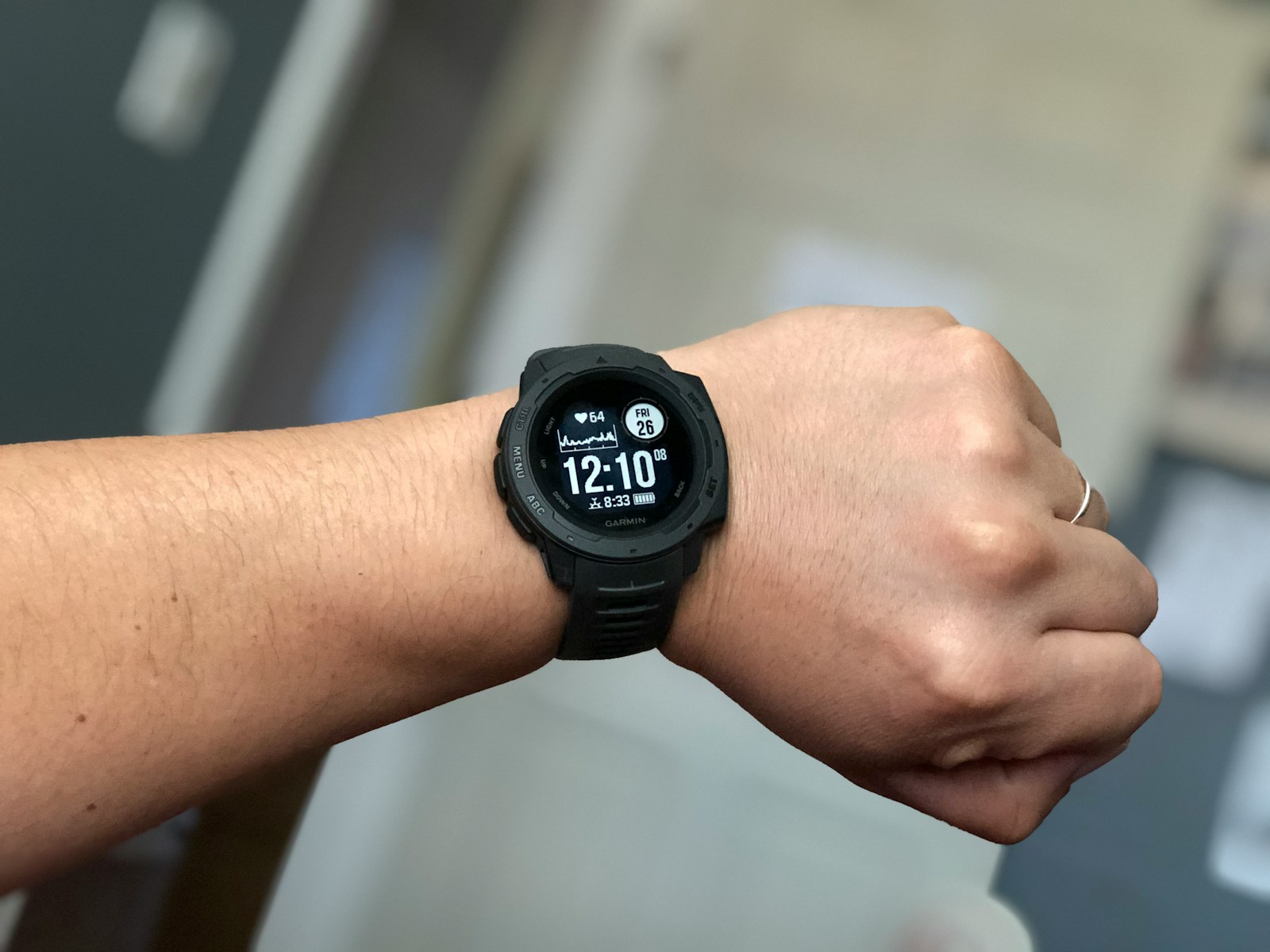
Garmin has introduced a new feature that allows users to set a passcode to lock their watches. The feature is rolling out to Fenix, Forerunner, Venu, and Vivoactive users. Users can also get the feature right now by enrolling in the beta program.
To turn on the passcode, users must go into the Settings menu. They will have the option to select “On” or “Wallet only.” Selecting “On” means users must enter the passcode each time they put the watch on. With the passcode enabled, most functions beyond the watch face will be locked for someone who doesn’t know the code.
Passcodes for Garmin watch security
The watch face, light button, and running activities will still be available without the passcode. Users can still answer phone calls and use the flashlight and emergency assistance shortcuts.
However, the glances, settings menu, activity menu, and most shortcuts menu will be locked without the passcode. The following watches are getting the device passcode feature:
Fenix 8 (AMOLED or Solar) and Fenix E
Forerunner 165, 255, 265, 955, and 965, and their variations
Venu 3 and 3S
Vivoactive 5
To get the feature, users must enroll in the beta, have the latest beta software installed, and the most recent version of the Garmin Connect app. To enroll in the beta program, users can use their Garmin Connect app to select their device, tap “Join Beta Software Program,” and agree to the terms.
They should be able to install the latest software within an hour. To check for an update, users can go to the Settings menu on their device and select Software Updates > Check for Updates.
Image Credits: Photo by Gerardo Ramirez on Unsplash

Noah Nguyen is a multi-talented developer who brings a unique perspective to his craft. Initially a creative writing professor, he turned to Dev work for the ability to work remotely. He now lives in Seattle, spending time hiking and drinking craft beer with his fiancee.





