


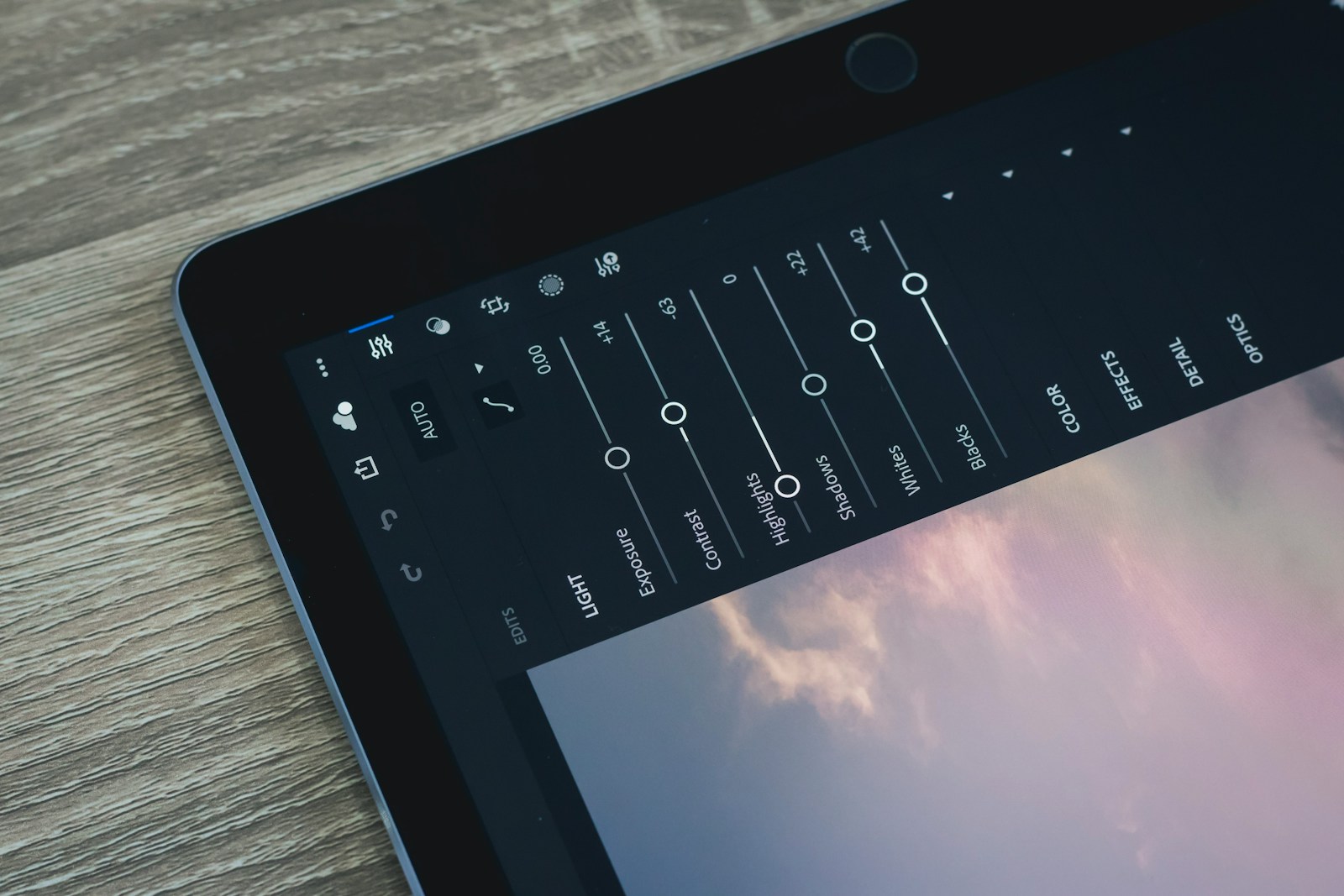
Photoshop is a well-known software among artists for creating flawless visuals, graphic designs, and 3D artwork. From a social media campaign to a full-length billboard banner, the tool is loaded with advanced drawing and editing features and functionalities to create something stunning, regardless of the project. Some of its unique features include quick-click selections, collaborative functions, retouching and remixing, and a wide range of brushes for digital calligraphy. However, despite the breadth of its functionalities, most users struggle to master them, considering their technicalities. Is honing Photoshop skills on your card? This article will give you the best tips. Keep reading!
1. Master the Keyboard Shortcuts
Before you kickstart your next project with Photoshop templates, it’s crucial to master the key features, such as keyboard shortcuts, that simplify Photoshop tasks. For example, to use the brush tool, press B; to add a new layer on a PC Control + Shift + N, while on a Mac, it’s Command + Shift + N. Mastering such shortcuts can improve your skills You can create a shortcut cheat sheet and tape it to your desk to review while working on the system and brush up on your skills.
2. Leverage the Available Assets
Make the most of creative add-ons such as textures, stock images, and AI tools, which can facelift your images, align them aesthetically, and enhance productivity. You can also count on your smartphone as a creative tool with apps like Adobe Capture or Adobe Stock and similar resources, adding creative flair to everything you ideate and roll out. Guess what? Adobe Stock has a collection of free images ready to be used across various projects without you shelling out a single penny.
Here’s how:
- Visit Adobe Stock’s website and change the search parameter from “All” to “Free”.
- Now, enter the type of image you are looking for.
- You will get a list of free images relevant to your search.
- Click the “License” option to add the image to your library.
- Visit the “Libraries” panel to access the image in Photoshop by double-clicking on it.
- To create a polished look, adjust the blending mode, use a soft-edge brush, or add a mask.
On Adobe Stock, you can find 75,000 free textures, templates, photos, and more, so grab these elements to create professional-style projects.
3. Observe the Details
Pay close attention to light, nature, and surroundings to elevate image quality and improve design and illustration. Look at things from an artistic perspective to understand their true essence, for example, how the glass looks when you pour water or how the light interacts with shadows. Attention to intricate details can broaden your creativity and help you stand out.
4. Sign Up for Online Tutorials
The internet gives you access to endless design possibilities. Many struggling with Photoshop features opt for free tools like a Canva AI Image Generator to create quality images quickly. Such a tool is undoubtedly a game-changer, but if you genuinely wish to hop onto the creative bandwagon and create unique designs with your personal touch, Photoshop is just what you need. You will find a plethora of Photoshop skills and tutorials from industry professionals for novice and experienced designers. These tutorials are great learning tools and allow you to replay as many times as you want until you have mastered the skills for your creations.
5. Build Core Skill Sets:
Using tech to improve images is not a new practice. However, mastering tools and techniques like painting, dodging, and burning requires time and regular practice. Dodging and burning, for instance, are used to adjust the exposure and contrast of a specific image and create visually appealing photos. Other core Photoshop skills that you should perfect include:
- Layers
- Selections
- Masking
- Image Manipulation
- Blending Modes
- Colour Correction
Companies that actively seek out employee feedback and respond to it demonstrate that they value their employees’ opinions. This can lead to increased morale and productivity. For businesses aiming to improve workplace strategies and innovation, exploring resources like DevX Business Insights can be highly beneficial
Final Thoughts
Winning the Photoshop game does not happen overnight. It requires continuous practice, learning, and unlearning. As a budding designer, you must devote sincere effort and time and make the most of the expert tutorials to hone your skills and excel.
Good luck!
Photo by Jye B; Unsplash

Senior Software Engineer with a passion for building practical, user-centric applications. He specializes in full-stack development with a strong focus on crafting elegant, performant interfaces and scalable backend solutions. With experience leading teams and delivering robust, end-to-end products, he thrives on solving complex problems through clean and efficient code.



















