


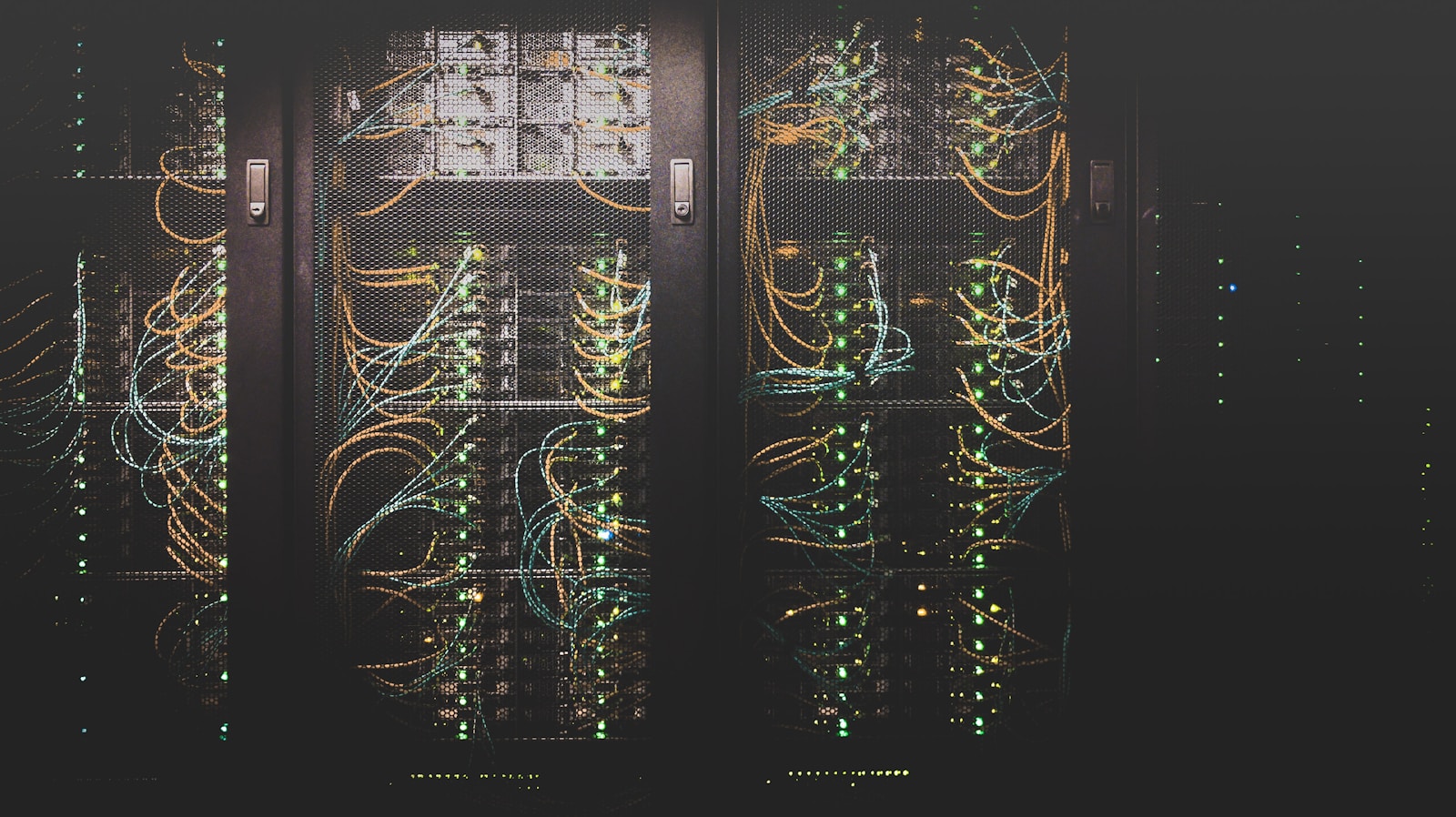
Enterprises and businesses use NAS or Network-Attached Storage to store and share data securely on a centralized data storage device connected with other systems over a local network. It is a cost-effective, reliable, and scalable data storage solution for storing documents, media files, and other data. Yet, like any other data storage device, NAS is prone to data loss for various reasons, such as accidental deletion, formatting, drive failures, and more.
Key Takeaways –
- An NAS device is a centralized storage unit connected to various computers over LAN.
- They are prone to data loss due to human errors, drive failure, logical errors, etc.
Reasons Behind Data Loss in NAS
Here are some common reasons behind data loss in NAS –
- Physical failures – Hardware failures such as drive failures, failed RAID controller, etc., can make a NAS device inoperational. In such a scenario, data recovery depends on the selected RAID configuration.
- Human error – Accidental deletion, overwriting of deleted files, reformatting a partition, etc., can result in data loss from a NAS.
- Logical errors – System file errors, corrupt RAID controller firmware, incorrect RAID configuration, and more can make the data inaccessible on the NAS drives.
- External factors – Factors like unexpected power outages during read/write operations, and natural disasters like fire, floods, etc., can damage the NAS.
Methods to Recover Data from a NAS Device
Here are some methods that you can use to recover data lost from a NAS, depending on the reason behind the data loss.
Method 1: Hot-Swap the Failed Member Drive(s)
A RAID-based NAS offers redundancy to avoid data loss in case of drive failure. The redundancy of a RAID depends upon its configuration.
Data recovery from a RAID-based NAS depends on the RAID configuration in use. For example, if you have set up a RAID 5 array, then it can sustain one drive failure, whereas the RAID 6 array can sustain two drive failures.
If you have configured the member drives as a RAID array but lost data due to drive failure, you will need to check the extent of drive failure. If the number of failed drives is below or equal to the fault tolerance of the selected RAID configuration, you can hot-swap the failed drive/s with a new one.
As soon as the RAID controller detects the new drive, it will calculate the parity in other member drives to rebuild and restore data in the new drive. However, you need to be careful that the new drive is the same as the failed one and has the same storage capacity.
Method 2: Recover NAS Data Using a Backup Software
Many users prefer pre-built NAS devices like Synology or QNAP over DIY NAS setups like trueNAS, etc., as they are easy to setup and come with additional tools to help backup and recover data. Another reason why users opt for pre-built NAS devices is that they come with data backup utilities to backup data to local volumes, external devices, or cloud storage.
For example, every Synology NAS device comes with Hyper Backup – a proprietary data backup solution that creates time-based snapshots of your data and system configuration. In case of data loss, these snapshots can be used to return to a previous state where data was available.
Therefore, if you use a pre-built NAS device and have lost data from it due to accidental deletion, accidental formatting of a volume, etc., use the provided backup solution to help restore files with ease.
Other Ways to Recover Data from a NAS
Here are some other ways that you can use to recover data from a NAS.
- Plug the member drives into a PC – If your Synology NAS or any Linux (mdadm) based NAS is malfunctioning, you can connect its member drives to a PC and recover data from the NAS drives.
- Replace the NAS enclosure – If the member drives are functioning properly but the enclosure or drive controller is malfunctioning, replace the enclosure with a new one. Make sure that the new enclosure is the same as the old one.
- Use external backups – If you have created manual backups of important files and data on cloud or external drives, you can use them to restore missing files from a NAS.
- Use a NAS data recovery software – If you don’t want to go through the steps of various methods, you can simply opt for a NAS data recovery software. These software are purposefully created to recover data from a failed or crashed NAS devices.
Tips to Prevent Data Loss from a NAS
Here are some tips that will help you prevent data loss from a NAS –
- Follow the 3-2-1 backup strategy to create multiple backups of important files.
- Regularly monitor the health of member drives.
- Use a power backup solution to avoid unwanted power outages.
- Consult a professional before unplugging the member drives.
- Use LTO tapes to create cost-effective data backup.
Conclusion
Data loss from a NAS happens because of various reasons, such as accidental deletion, corruption, drive failure, partition loss, etc. Depending upon the data loss scenario, the methods explained above can help you recover lost data from a NAS device. But if you want a quick way to recover data lost from a NAS, you can use a powerful NAS recovery software. Such a software can help you recover data from all types of storage devices like HDD, SSDs, optical drives, Linux storage devices with Ext file system and even RAID-based NAS.

Kyle Lewis is a seasoned technology journalist with over a decade of experience covering the latest innovations and trends in the tech industry. With a deep passion for all things digital, he has built a reputation for delivering insightful analysis and thought-provoking commentary on everything from cutting-edge consumer electronics to groundbreaking enterprise solutions.









