Welcome to your guide on modernizing your office. Are you tired of bulky file cabinets, humming servers, and the relentless whir of a fax machine?
| Name | Pros | Cons | Pricing | Link |
| iFax |
|
|
Starts with a free plan; Paid plans from $16.67/month | iFax |
| Google Workspace |
|
|
Starts at $6/user/month | |
| Microsoft Teams |
|
|
Included with Microsoft 365; Standalone from $4/user/month | Microsoft |
| RingCentral |
|
|
Starts at $20/user/month | RingCentral |
| Adobe Scan |
|
|
Free to use; Subscription for advanced features | Adobe |
The shift to cloud-based solutions is more than a trend; it’s a fundamental change in how businesses operate. This guide will examine five essential cloud tools that replace obsolete hardware, saving you space, money, and time.
Why Ditch Obsolete Hardware? The Case for Cloud-Based Solutions
Before diving into the tools, let’s understand why moving away from physical hardware is beneficial. Traditional office equipment is expensive to buy, maintain, and house. It creates operational bottlenecks and often lacks the security and flexibility modern businesses need to thrive. As companies like Microsoft phase out support for older software like Office 2016 and 2019, the message is clear: the future is in the cloud.
Cloud-based tools, or Software-as-a-Service (SaaS), offer a powerful alternative. They run on remote servers, freeing you from the burdens of on-site infrastructure. This shift empowers businesses to be more agile, secure, and cost-effective.
Key Benefits of Going Hardware-Free
- Significant Cost Savings: The immediate benefit is financial. AWS’s study found that cloud adoption reduces IT infrastructure costs by an average of 30%. Other reports show that 73% of businesses report significant cost savings after switching. You eliminate hardware purchase, maintenance, energy consumption, and physical space expenses.
- Enhanced Flexibility and Scalability: Cloud tools allow your team to work from anywhere with internet. This flexibility is crucial for supporting remote or hybrid work models. You can scale your services up or down as the business grows without purchasing new equipment.
- Improved Security and Reliability: Reputable cloud providers invest heavily in security measures that most small businesses can’t afford. This includes data encryption, regular security updates, and secure data centers. For example, Google Cloud recently announced a new AI-powered defense against ransomware for Google Drive, showcasing these services’ advanced protection.
- Streamlined Collaboration: Tools like Slack, Microsoft Teams, and Google Workspace have transformed how teams connect. Cloud-based file sharing and real-time communication make teamwork faster, clearer, and more efficient than ever before.
5 Cloud Tools to Replace Your Outdated Office Gear
Ready to modernize your office? Here are five categories of cloud tools that will replace your old hardware.
iFax
Obsolete Hardware: The Fax Machine
iFax is a secure online fax service that transforms traditional faxing into a cloud-based solution, eliminating the need for hardware, paper, and dedicated phone lines. It lets users transmit and receive faxes from any device—computer, smartphone, or tablet—and is recognized for its enterprise-grade security and user-friendly interface.
For businesses in regulated industries like healthcare, government, and finance, iFax is an essential tool. It is fully HIPAA and GLBA compliant, using 256-bit SSL encryption to protect sensitive information. Features like electronic signatures, a mobile document scanner, and a shared team inbox streamline document workflows. With integrations for Google Workspace, Zapier, Dropbox, and major EHR systems, iFax fits seamlessly into your existing tech stack. Whether you need to send a single document or a large broadcast, iFax provides a reliable and modern alternative to an archaic piece of hardware.
| Feature | Description |
| Security | HIPAA, GLBA, and SOC 2 compliant with 256-bit SSL encryption. |
| Integrations | Connects with Google Workspace, Zapier, Dropbox, and healthcare systems like Epic. |
| Accessibility | Send and receive faxes via web, mobile apps (iOS, Android), and email. |
| Collaboration | Includes shared team inboxes and document management with unlimited storage. |
Google Workspace
Obsolete Hardware: The File Server
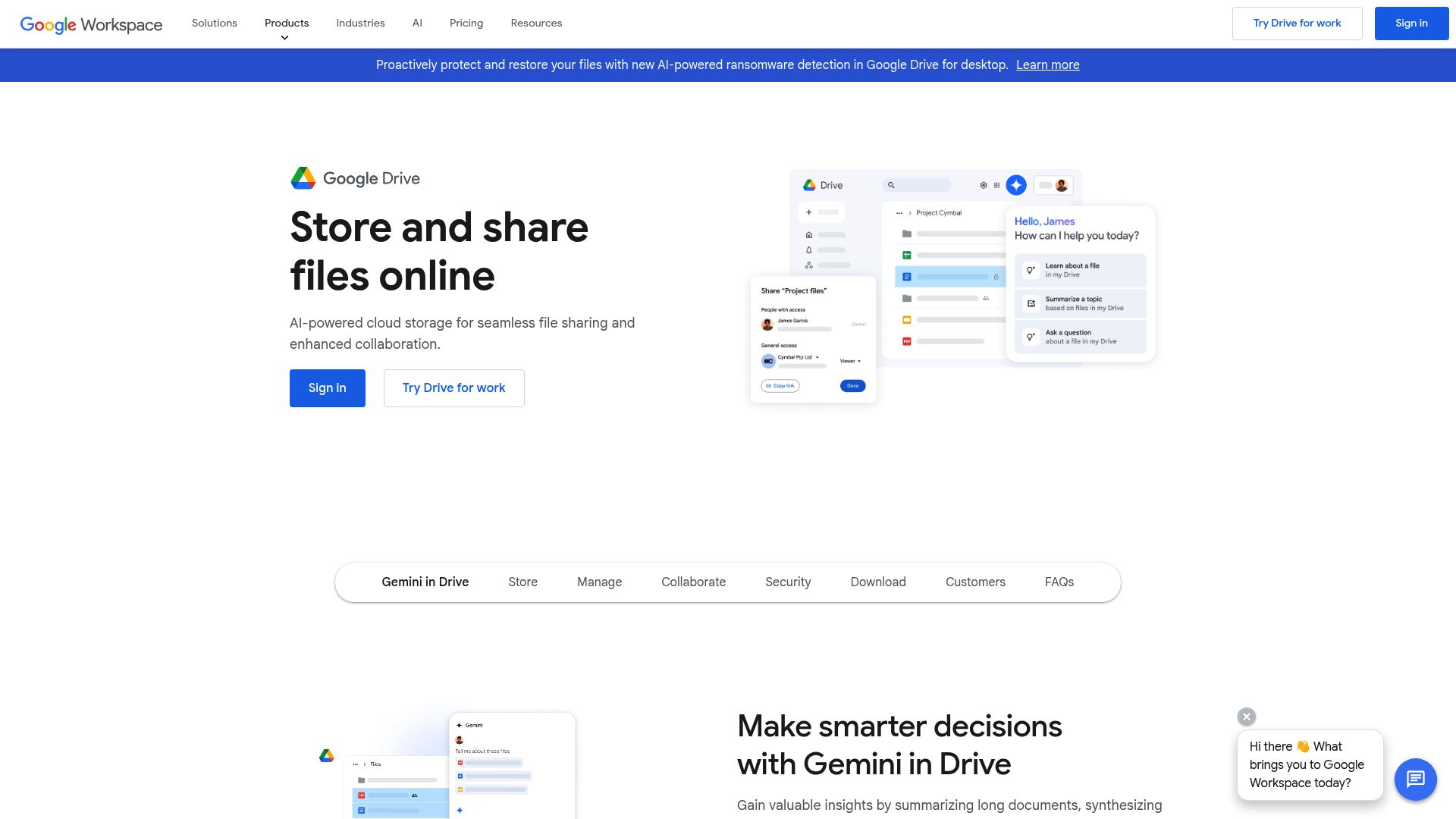
Google Workspace is a set of cloud-based collaboration tools that completely replaces the need for a traditional on-premise file server. It bundles powerful applications like Gmail for professional email, Drive for secure cloud storage, and Docs, Sheets, and Slides for real-time document creation and editing.
Instead of storing files on a physical server in your office, your team can access, share, and collaborate on documents from anywhere worldwide using Google Drive. This eliminates the cost and maintenance of server hardware while providing robust security, automatic backups, and powerful search capabilities. With its integrated AI assistant, Gemini, Workspace helps automate tasks. It offers intelligent insights, further boosting productivity and making it a cornerstone of the modern, serverless office.
| Feature | Description |
| Core Applications | Includes Gmail, Drive, Meet, Calendar, Docs, Sheets, and Slides for all-in-one productivity. |
| Collaboration | Enables real-time co-editing, commenting, and file sharing to streamline teamwork. |
| Security | Features enterprise-grade security controls, data retention policies, and AI-powered threat detection. |
| Storage | Offers pooled cloud storage starting at 30GB per user, scalable to unlimited with higher-tier plans. |
Microsoft Teams
Obsolete Hardware: Conference Room Equipment & Intercoms
Microsoft Teams is a platform consolidating various communication and collaboration hardware systems into a single, integrated hub. It effectively replaces clunky conference room speakerphones, video conferencing equipment, and office intercoms with a unified solution for chat, video meetings, and voice calls.
Launched in 2017, Teams has become a cornerstone of modern office communication, especially in hybrid work environments. It allows seamless video conferences, instant messaging, and file sharing within the secure Microsoft 365 ecosystem. With features like Teams Rooms, you can equip conference spaces with smart technology that integrates directly with the platform, creating a more intuitive meeting experience without needing disparate, single-function devices. The addition of its AI assistant, Copilot, provides intelligent meeting summaries and automates follow-up actions..
| Feature | Description |
| Communication Modes | Integrates persistent chat, video conferencing, and VoIP phone calls in one application. |
| M365 Integration | Offers deep, native integration with apps like Word, Excel, SharePoint, and Outlook. |
| Collaboration Hub | Centralizes file sharing, project channels, and collaborative apps to keep teams in sync. |
| AI Capabilities | Leverages Microsoft 365 Copilot for meeting summaries, content generation, and task automation. |
RingCentral
Obsolete Hardware: The PBX Phone System
RingCentral is a cloud-based communication platform that replaces many offices’ traditional Private Branch Exchange (PBX) phone systems. A PBX system is a private telephone network that requires significant on-site hardware and maintenance to manage a company’s internal and external calls.
RingCentral moves this entire system to the cloud. It provides businesses with a comprehensive VoIP (Voice over Internet Protocol) phone system with features like call routing, auto-attendant, voicemail-to-email, and video conferencing. Employees can make and get calls from their desk phone, computer, or mobile app using the same business number, offering significant flexibility. This removes the need for expensive PBX hardware and dedicated phone lines, drastically reducing communication costs and simplifying management.
| Feature | Description |
| Core Functionality | Cloud-based VoIP phone system with advanced call management and routing features. |
| Accessibility | Make and receive calls on desk phones, desktops, or mobile apps from any location. |
| Unified Communications | Combines voice, video meetings, and team messaging into a single platform. |
| Scalability | Easily add or remove users and phone lines as your business grows or changes. |
Adobe Scan
Obsolete Hardware: The Flatbed Scanner
Adobe Scan is a powerful mobile application that turns your smartphone or tablet into a high-quality scanner, making bulky, single-purpose flatbed scanners obsolete. This free tool uses your device’s camera to capture crisp, clear images of documents, receipts, whiteboards, and more.
Adobe Scan’s integrated optical character recognition (OCR) technology sets it apart. It automatically converts scanned images into searchable and editable PDF files. The scans can be easily saved to Adobe Document Cloud, shared via email, or uploaded to other cloud storage services. For businesses needing to digitize paperwork on the go, a mobile scanner app like Adobe Scan is essential for creating a truly paperless office.
| Feature | Description |
| Technology | Uses your mobile camera and AI-powered OCR to create high-quality, searchable PDFs. |
| Output Formats | Instantly converts scans into smart PDF files that can be edited, signed, and shared. |
| Cloud Integration | Seamlessly saves and syncs documents to Adobe Document Cloud for access on any device. |
| Accessibility | A free-to-use mobile app available on both iOS and Android platforms. |
Making the Switch to a Modern, Cloud-Powered Office
Embracing cloud technology is necessary for businesses looking to stay competitive. Replacing outdated hardware with modern SaaS solutions can unlock significant cost savings, enhance team collaboration, and build a more resilient and flexible operation.
The transition doesn’t have to be overwhelming. Start by identifying the most cumbersome hardware in your office and look into the cloud-based alternatives discussed here. Each step toward a hardware-free environment is an investment in a more efficient and future-proof business.
Frequently Asked Questions
Is it safe to store my company’s data in the cloud?
Yes, reputable cloud providers like Google, Microsoft, and Amazon invest billions in security infrastructure. They offer features like end-to-end encryption, multi-factor authentication, and compliance with international security standards, often providing a higher level of security than a small business could achieve.
What happens if my internet goes down?
While a stable internet connection is necessary for real-time access, many cloud applications offer offline modes. For example, Google Docs allows you to edit offline documents, which sync automatically once reconnected. Additionally, you can access these services from any location with internet, such as a mobile hotspot.
How much does it typically cost to switch to cloud-based tools?
Most cloud services use a subscription model, typically a per-user, per-month fee. This eliminates large upfront capital expenditures on hardware. While costs vary, many businesses find the predictable monthly expense more manageable and cost-effective than purchasing and maintaining physical equipment.
Will my employees need a lot of training?
Most modern cloud tools are designed with user-friendly interfaces. Because many employees are already familiar with apps from Google and Microsoft, the learning curve is often minimal. Companies like iFax pride themselves on intuitive platforms that require little to no training.
Can I integrate these cloud tools with the software I already use?
Absolutely. A major advantage of cloud services is their ability to integrate. Platforms like Zapier can connect thousands of different apps, allowing you to automate workflows between your communication tools, storage solutions, and other business software.
Image generated by Gemini

A seasoned technology executive with a proven record of developing and executing innovative strategies to scale high-growth SaaS platforms and enterprise solutions. As a hands-on CTO and systems architect, he combines technical excellence with visionary leadership to drive organizational success.