


Artificial intelligence (AI) has become prominent in the photography industry. Photographers, both amateurs and pros, seek the best AI photo editing software for a streamlined and efficient post-processing workflow.
Whether you want to retouch portraits, remove unwanted elements, or add artistic effects, rely on technology instead of daunting manual labor. The AI algorithms will save you effort and time so that you can redirect your energy into creative self-expression.
This article explores five AI-based image-enhancing tools, each offering unique capabilities and advantages over the conventional methods.
Adobe Sensei
Adobe Sensei is a tool that redefines the AI photo editing landscape of Adobe Photoshop, which is familiar and trustworthy for many advanced photographers, with AI algorithms at its core.
The software’s core features are its automated content-aware fill and advanced layer management. Users can eliminate unwanted elements with a few clicks and meticulously modify sophisticated compositions. Selective adjustments allow users to apply changes to specific parts of a photo without altering the whole. This feature is especially useful for headshots and landscapes.
Unfortunately, Adobe Sensei’s integration with Photoshop means it inherits some of the software’s complexities, steep learning curve, and costful subscription mode. So, casual photographers and users with a limited budget should consider alternative variants.
Luminar Neo
Regarding the best alternatives to Photoshop for amateurs who use artificial intelligence algorithms, Luminar Neo emerges as a frontrunner. Its advanced toolkit and user-friendly interface can be easily adapted to your editing style and preferences.
Luminar Neo’s AI tools can handle simple photo-retouching tasks like color adjustments. But the algorithms also help you cope with complex object removals and sky replacements. The program’s AI-based relighting technology intelligently relights scenes. Use it to enhance the mood or correct difficult lighting conditions. Additionally, its skin enhancer and portrait mode use AI to automatically retouch faces, ensuring natural-looking results without the plastic feel often associated with AI photo editing.
However, this software can be resource-intensive. It may require a fairly robust computer system to run smoothly, which may limit accessibility for users with older hardware.
Topaz Labs
Topaz Labs is fairly believed to be one of the best AI picture editors for improving image quality through basic enhancements. Its toolkit allows you to perform various tasks, such as sharpening, noise reduction, and upscaling.
One of its most acclaimed products is Topaz Gigapixel AI. It is an image upscaler that allows users to upscale their photos by up to 600%. The image detail and sharpness are maintained and even enhanced. This tool is invaluable for enlarging images without losing quality. It works perfectly for large prints or digital displays. Similarly, Topaz DeNoise AI excels at removing digital and background noise while preserving the original details. Sharpen AI can detect and correct blur in three ways: general softness, motion blur, and focus correction.
Processing times for tasks like upscaling and noise reduction can be lengthy, especially on less powerful computers. Furthermore, the cost of individual plugins can add up quickly, making it not a budget-friendly option.
Fotor
Fotor is preferred by bloggers, social media influencers, and hobbyists who need quick, casual edits. This program is valued for its user-friendliness and versatility.
The software’s AI photo enhancement features automatically adjust color, lighting, and sharpness to improve photo quality instantly. Fotor also offers sophisticated AI photo editing tools like blemish removal, skin smoothing, and teeth whitening. Fotor excels in providing creative options like artistic effects and filters, background removal, and the ability to add text or stickers.
The free version of Fotor is somewhat limited, with many of the more advanced features locked behind a subscription. This program may not meet the needs of more advanced users who require deeper functionality and finer control over their edits.
Pixlr X
Pixlr X is a variant for those seeking a quick AI photo editing solution. This browser-based editor does not require extensive software installation.
The AI-powered background removal tool allows users to isolate subjects from their backgrounds quickly and precisely. It can be useful for product photography or social media content. Pixlr X offers AI-enhanced tools for color correction, touch-ups, and effects. You can also enhance lighting and color balance. The software also includes various filters and overlays.
Pixlr X is a web-based application, so its performance depends on the Internet speed and browser compatibility. This program’s toolkit may not satisfy the demands of professional photographers who need more advanced AI photo editing capabilities and greater control over finer details.
Conclusion
This article reviewed five top AI photo editing software choices, each with strengths and limitations. There is an ideal AI photo editing tool for everyone, from professionals searching for advanced features to beginners needing user-friendly options. As technology progresses, these programs will become even more important to improving photos artistically and scientifically.
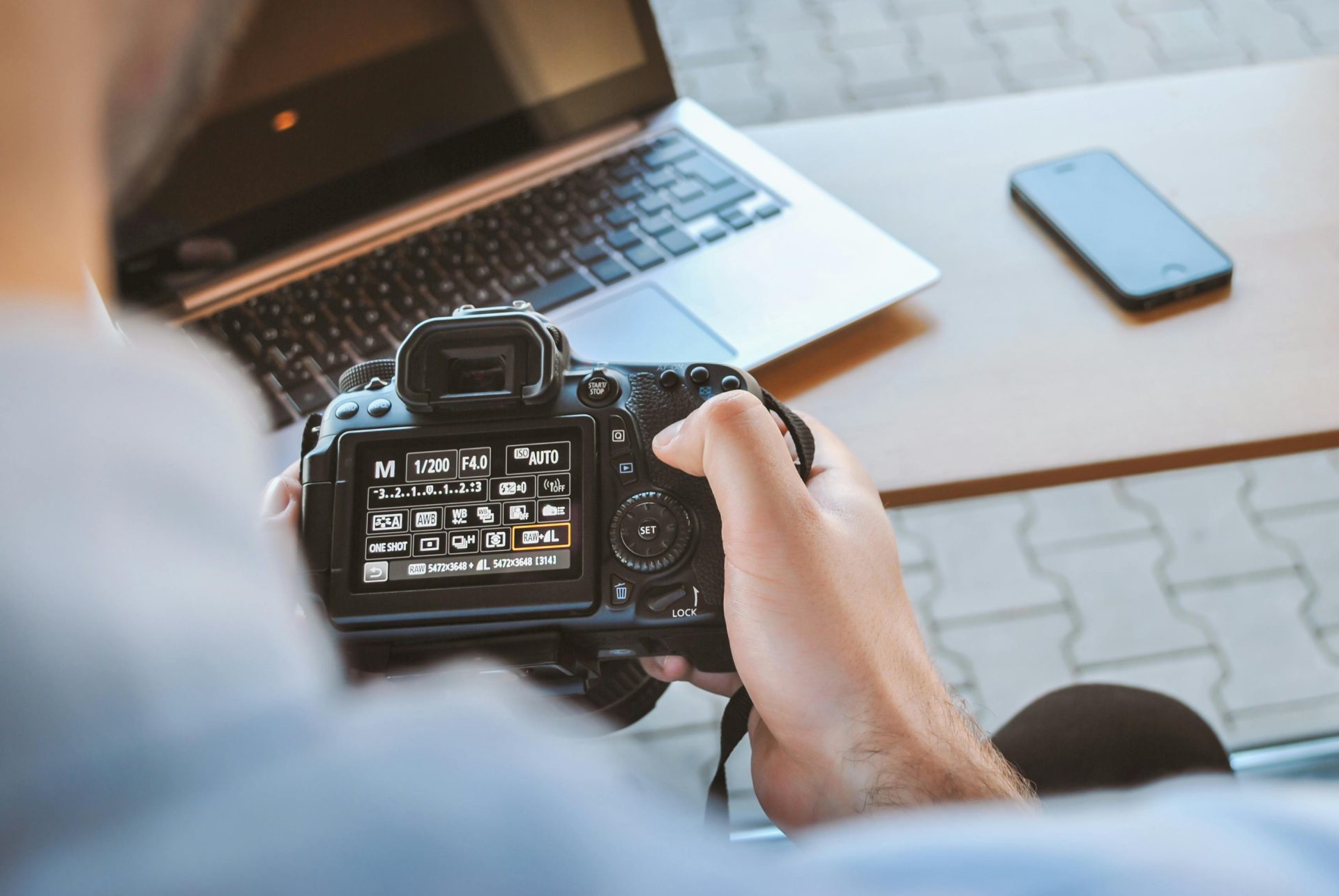
Photo by JESHOOTS.com: Pexels

Kyle Lewis is a seasoned technology journalist with over a decade of experience covering the latest innovations and trends in the tech industry. With a deep passion for all things digital, he has built a reputation for delivering insightful analysis and thought-provoking commentary on everything from cutting-edge consumer electronics to groundbreaking enterprise solutions.
























