



4 Tried and Tested AI Generators for Images and Creative Generation
One thing that all creatives—from marketing managers to content creators—have in common is their constant search for the best online tools. Whether it’s an efficient workspace, an easy-to-use messenger, or powerful AI generators for images, these professionals are always on the lookout for new solutions to improve their work.
Since AI-powered tools have become game-changers for creative professionals, this article focuses on the best AI image generators. Tried and tested for you, these four AI models can generate images online for free or for a small fee, providing endless possibilities for creative image generation. Read on!
Why use AI-powered image generators
- AI-generating tools allow businesses to cut costs on expensive photo shoots and graphic design services;
- Companies can create more personalized visuals for different audience segments, platforms, and campaigns;
- 95% of professionals report that AI has helped them reduce time spent on manual tasks;
- AI image generators give you the ability to experiment with various styles, aesthetics, and concepts without the need for advanced design skills;
- 56% of people who have seen art produced with AI say they enjoy it;
- According to Everypixel Journal, people are producing 34 million images a day on average since DALL·E 2 was introduced.
Best AI Generators for Images
| Rank | Tool | Verdict | Rating |
| 1. | Depositphotos AI Image Generator 🥇 | Best AI Image Generator Overall | 4.9 |
| 2. | DALL·E 3 🥈 | Best Prompt Understanding | 4.5 |
| 3. | OpenArt AI 🥉 | Best Image to Image Generator | 4.5 |
| 4. | Microsoft Designer | Best Free AI Generator | 4.6 |
The best AI image generator overall
Depositphotos AI Image Generator stands head and shoulders above the competition as the best AI image generator. Whether you need a rough sketch, a photorealistic 2D image, or a surreal 3D visual, the Depositphotos tool can handle any task. The best part is that all generated images are licensed and can be used for both print and digital commercial purposes.
The Depositphotos AI generator also offers a range of convenient features. You can boost your creativity with prompt assistance or get inspired by dozens of curated visual collections. In addition, you can use free AI-powered tools such as Background Remover and Image Upscaler, which are available on the Depositphotos platform.
Price
Depositphotos pricing will be easy on your wallet, especially with many special offers throughout the year, including Black Friday and Christmas file bundles. If you commit to using the Depositphotos service annually, you can pay as little as $9.90 per month for a subscription. However, the price depends on the amount of pictures you want to download.
Pros
- High-quality visuals in 2048×2048 resolution;
- Commercially safe images;
- Prompt assistance;
- Inspirational collections of curated content;
- Accessible for entry-level users;
- Cross access to platform’s free AI-powered tools.
Cons
- No support for team collaboration.

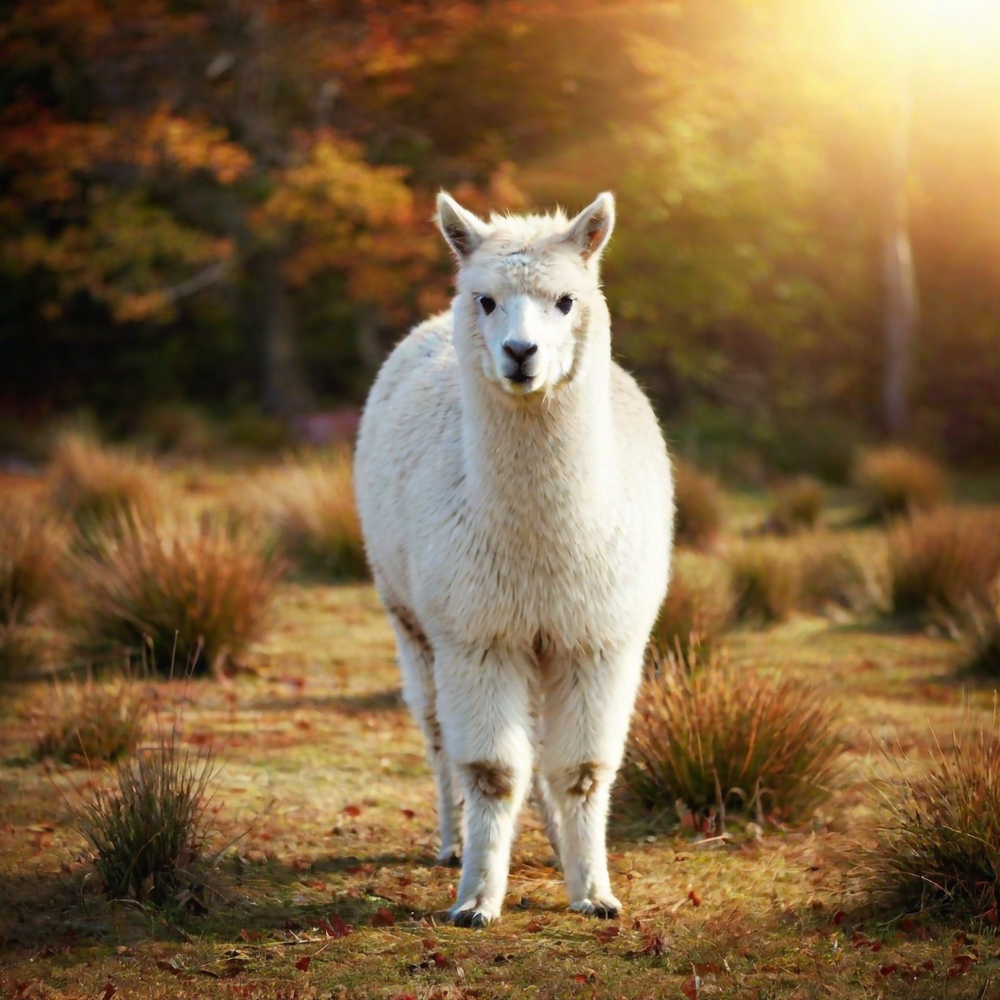
AI generator with the best prompt understanding
You can find AI for everything these days, but one of the most important features—prompt understanding—is often overlooked by the public. However, if you don’t want to spend time developing your prompt engineering skills, you can rely on AI generators for images like OpenAI’s DALL·E 3.
DALL·E 3 is a powerful AI image generator from text used by millions of users worldwide. The vast pool of user data allows the tool to deepen its understanding of various prompts, producing accurate, high-quality images. In addition, visuals generated by DALL·E 3 are free to use for both personal and commercial purposes.
Price
DALL·E 3 is currently available with a free version of ChatGPT. You can access it by creating a free account on the platform. However, the number of visuals you can create with the free version is very limited. Upgrade your plan to ChatGPT Plus for $20/month to increase your image generation quota.
Pros
- Understands complex queries;
- High-quality visual results;
- Easy modifications in chat;
- AI-generated images may be used for personal and commercial purposes.
Cons
- Photorealistic images can have defects.

Top online AI image generator for creating a visual from another image
After testing OpenArt AI, it became clear that this tool is the best image-to-image generator on the market. With its help, creatives can easily refresh photos, transform sketches into realistic images, and enhance their digital art projects.
Moreover, the OpenArt AI generator features AI-style palettes that work as templates. You can choose a unique combination of parameters to create a certain image aesthetic, be it anime, tarot, or lego. Alternatively, you can utilize their one-click prompt assistant for quick inspiration.
Price
OpenArt AI is best for those who are looking to generate budget-friendly images. OpenArt AI’s cheapest plan starts at $14/month and includes 5,000 monthly credits. Most of the generations take one credit. However, if you choose a complex AI model, one generation might require more credits.
Pros
- Prompt inspiration;
- AI style palettes with hundreds of styles;
- Customized AI models;
- Includes other AI-based tools.
Cons
- Ethical issues with AI-generated images.
The best free AI image generator with no creative restrictions
Microsoft Designer is a safe and reliable option for first-time AI users. This tool has a user-friendly interface that allows you to create images in no time. But if you’ve hit a creative block, Microsoft Designer’s prompt inspiration is sure to spark new ideas and get your creative juices flowing.
Once you’ve created a picture, the program provides you with a variety of post-editing options. You can remove the background, blur it, correct the color, and more. The cherry on top is that you can easily download the image or send it to your phone using a QR code.
Price
You only need to complete a free registration process to use Microsoft Designer. After that, you’ll receive 15 credits for image generation. Note that one credit allows you to generate four slightly different images. If you’d like to create more visuals, you need to subscribe to Microsoft 365.
Pros
- AI-powered prompt improvement;
- Based on DALL·E 2;
- Includes customizable templates;
- Suitable for nonprofessional designers.
Cons
- Images are not unique across users;
- Visuals created with Microsoft Designer can be used for personal purposes only.

To sum up
With so many AI models available on the market, it can be challenging to figure out which ones are worth the investment. With this list, we hope your hunt for the best AI image generator is over. Just make sure to research each option thoroughly before committing to a purchase.

Noah Nguyen is a multi-talented developer who brings a unique perspective to his craft. Initially a creative writing professor, he turned to Dev work for the ability to work remotely. He now lives in Seattle, spending time hiking and drinking craft beer with his fiancee.








