


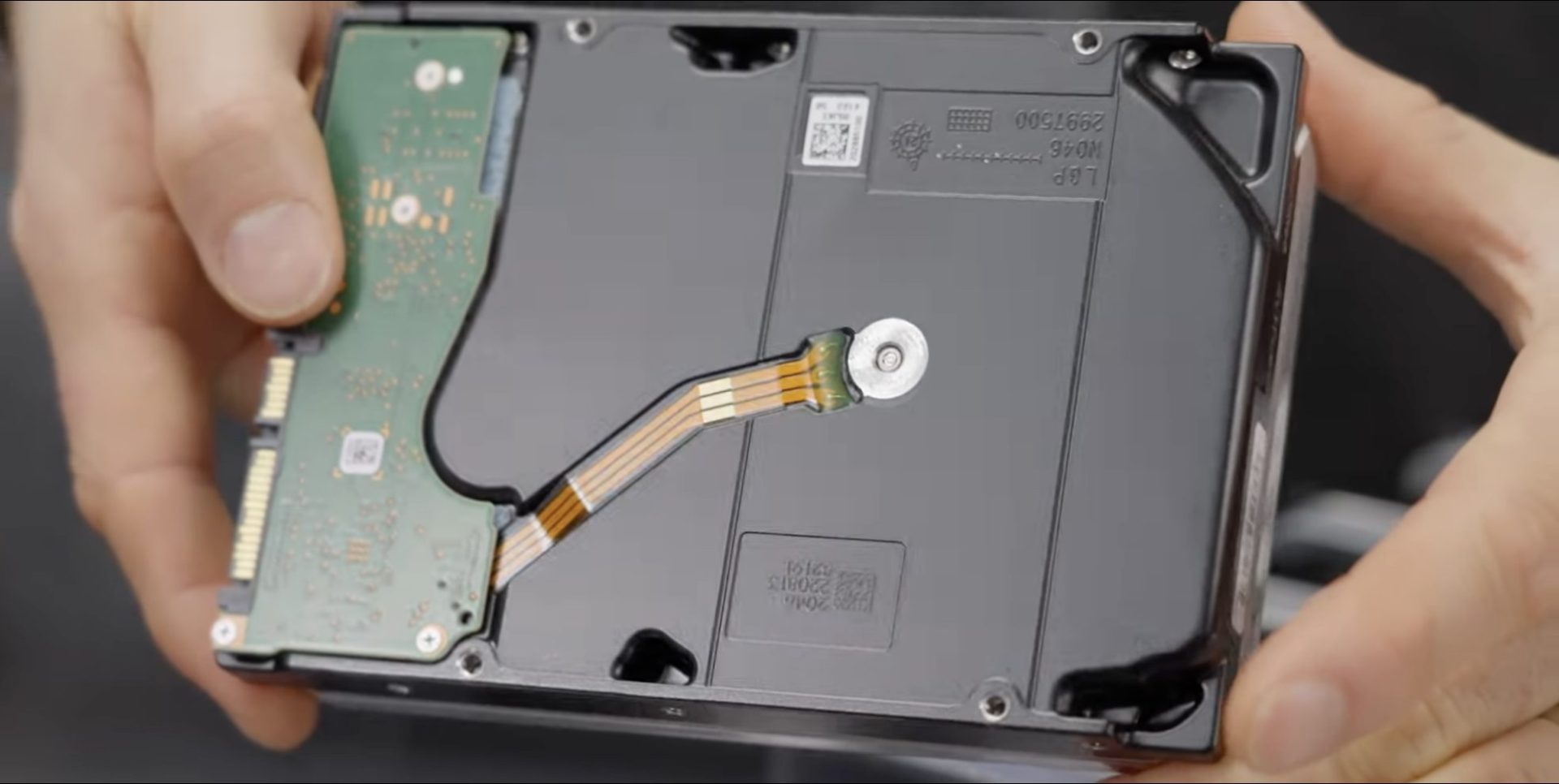
Storage costs are skyrocketing, and finding cost-effective solutions for data management has become increasingly challenging. After years of building out over 2.5 petabytes of bulk storage for video production, Linus has discovered an unconventional approach that could revolutionize how we think about enterprise storage solutions: recertified hard drives.
When faced with the need for an additional petabyte of storage, Linus made what some might consider a bold move – purchasing $10,000 worth of recertified Seagate drives from eBay. This decision went against conventional wisdom, which typically advises against using secondhand storage. However, the potential savings were too significant to ignore – these drives cost roughly half the price of new ones.
The Reality of Recertified Drives
The investigation into these drives revealed some surprising findings. Despite being “recertified,” the drives appeared practically new, with:
- Extremely low power-on hours
- No bad sectors
- Clean, unmounted conditions
- Manufacturing dates ranging from 2020 to 2022
Through Server Parts Deals, our supplier, we secured 20-terabyte drives for $180 each – a significant discount compared to retail prices. These weren’t just random used drives; they underwent a 50-hour burn-in test, which actually reduces the likelihood of receiving dead-on-arrival units.
Performance and Implementation
The real test came during implementation. We installed 60 drives in a repurposed 45 Storinator XL60, creating a storage system that delivered impressive results:
- All 61 drives were detected and functional
- Passed initial SMART tests
- Achieved transfer speeds of 8 GB/s
- Successfully configured in RAID-Z2 configuration
For data protection, we organized the drives into six 10-drive RAID-Z2 groups. This configuration requires three drives to fail within the same group for data loss to occur – an unlikely scenario given the diverse manufacturing dates of our recertified drives.
The Economic Advantage
The numbers speak for themselves: We spent $11,160 on 62 drives, compared to approximately $23,500 for new ones. That’s a 52% saving while still maintaining professional-grade storage capabilities.
This approach isn’t just for large-scale operations. Small businesses and home users can apply the same principle using smaller NAS setups or even single-drive solutions. The key is understanding that the cloud isn’t always the answer – especially when considering retrieval costs and long-term storage expenses.
Risk Assessment and Reliability
The primary concern with recertified drives is reliability. However, several factors mitigate these risks:
- Manufacturer recertification process
- Pre-purchase burn-in testing
- Two-year warranty coverage
- ZFS file system resilience
Initial testing and six months of partial deployment have shown no errors or failures. While this doesn’t guarantee long-term reliability, it’s a promising indicator of the drives’ quality.
Making an Informed Decision
When considering recertified drives, evaluate your needs against these factors:
- Budget constraints vs. warranty requirements
- Data criticality and backup strategies
- Performance requirements
- Risk tolerance
For many organizations, the cost savings justify the slightly shorter warranty period, especially when implementing proper redundancy and backup strategies.
The storage industry has evolved, and with it, our approach to cost-effective solutions must adapt. Recertified drives represent a viable option for organizations looking to maximize their storage capacity while minimizing costs. The key is working with reputable suppliers and implementing proper redundancy measures.
Frequently Asked Questions
Q: What exactly does “recertified” mean for hard drives?
Recertified drives are units that have undergone manufacturer testing and verification processes to ensure they meet original specifications. These may include customer returns, overstock, or drives from decommissioned data centers that have been thoroughly tested and certified for reuse.
Q: Are recertified drives reliable enough for business use?
When purchased from reputable sources with proper testing procedures, recertified drives can be suitable for business use. Implementing appropriate RAID configurations and backup strategies helps mitigate any potential reliability concerns.
Q: How much can you really save with recertified drives?
Based on our experience, savings typically range from 40-60% compared to new drives. The actual savings depend on the drive model, capacity, and market conditions at the time of purchase.
Q: What should I look for when buying recertified drives?
Focus on seller reputation, warranty terms, testing procedures, and return policies. Look for sellers who perform burn-in testing and provide detailed drive information. Verify that the drives come with manufacturer recertification rather than third-party refurbishment.
Q: How does the warranty compare to new drives?
Recertified drives typically come with a 2-year warranty, compared to 5 years for new enterprise drives. However, the significant cost savings often offset this shorter warranty period, especially when implementing proper backup strategies.

Finn is an expert news reporter at DevX. He writes on what top experts are saying.
























