


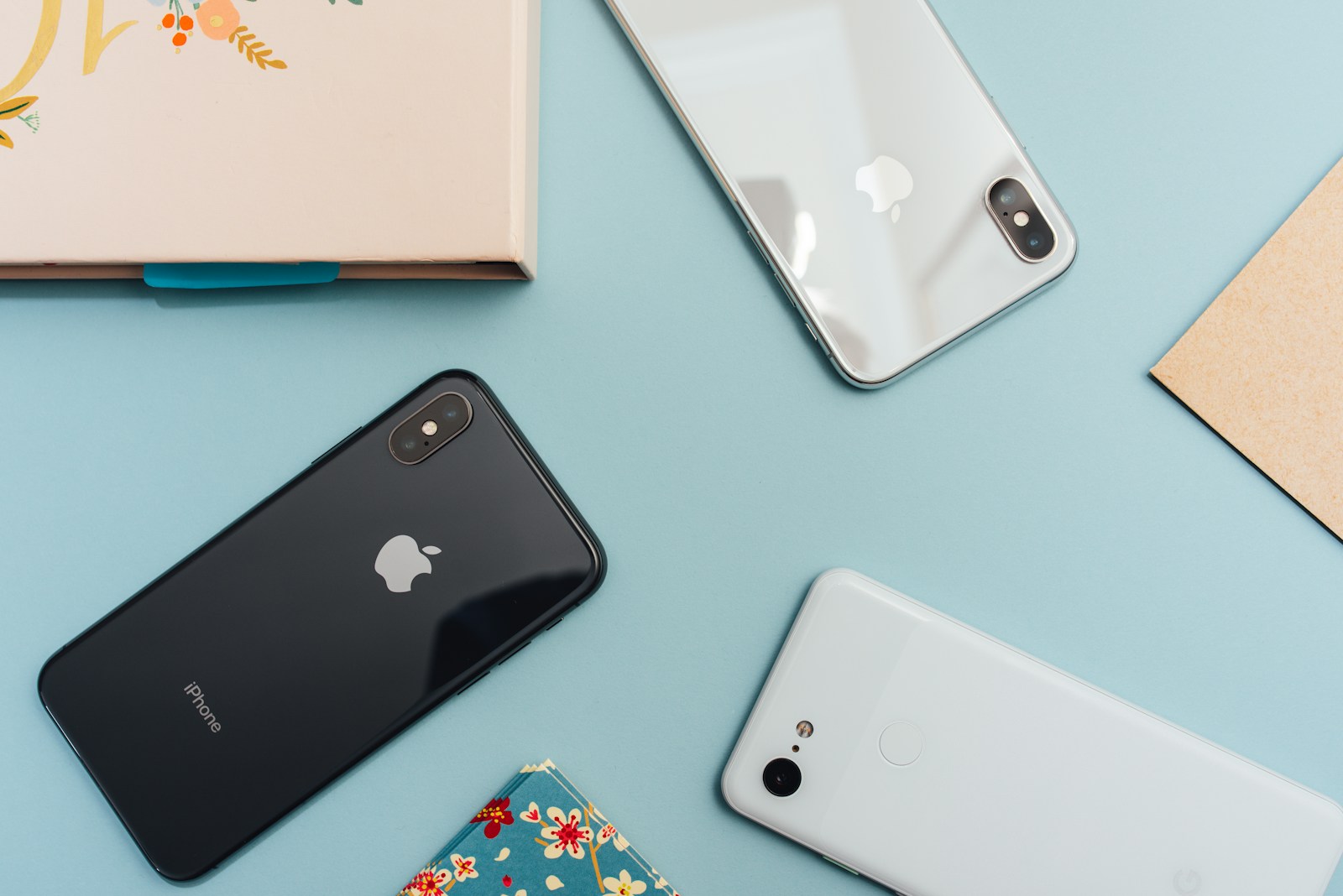
By the DevX mobile team. We tested all methods below on iPhone 16 (iOS 18), iPhone 15 (iOS 17), and multiple Android devices (Pixel 9, Samsung Galaxy S25) in March 2026. All steps and screenshots verified.
Sharing your location between iPhone and Android devices can be tricky due to Apple’s limitations on native apps. However, several third-party apps make it possible to share your location indefinitely. This guide will walk you through the best methods and apps to keep your loved ones updated on your whereabouts, regardless of the device they use.
Why iPhone to Android Location Sharing Is Tricky
Apple’s ecosystem is designed to work seamlessly with other Apple devices. For example, iPhone users can easily share their location indefinitely via the Find My app with other iOS users. However, since Android does not support this system natively, sharing across platforms requires third-party apps or services. The good news is that once you set it up, you can maintain continuous sharing without much hassle.
Key Takeaways
- Apple’s native apps do not support location sharing with Android devices.
- Google Maps allows indefinite location sharing if shared via email.
- WhatsApp and Telegram offer location sharing but with time limits.
- Life360 provides a comprehensive solution with real-time updates and privacy controls.
- Regularly review your location sharing settings to ensure your privacy and security.
Understanding Location Sharing Limitations
Apple’s Restrictions on Native Apps
When it comes to sharing your location from an iPhone to an Android device, Apple’s native apps fall short. Unfortunately, Apple does not allow you to share your location with Android users through its built-in apps like Find My. This means we need to look for other solutions to bridge the gap between these two platforms.
Third-Party Solutions Overview
Luckily, there are several third-party apps that can help us share our location between iPhone and Android devices. Apps like Google Maps, WhatsApp, and Life360 offer cross-platform compatibility, making it easier to stay connected. These apps provide real-time tracking and user-friendly interfaces, which are essential for effective location sharing.
Importance of Cross-Platform Compatibility
Cross-platform compatibility is crucial for seamless location sharing. Without it, we would be stuck using separate apps for different devices, which can be a hassle. By using apps that work on both iPhone and Android, we can ensure that everyone stays in the loop, regardless of their device. This is especially important for families and groups who use a mix of iPhones and Android phones.
Using Google Maps for Indefinite Location Sharing
Google Maps is a fantastic tool for sharing your location from an iPhone to an Android device. Let’s walk through how to set it up and manage it effectively.
Setting Up Google Maps on iPhone
First, if you haven’t already, download Google Maps from the App Store and install it on your iPhone. Google Maps doesn’t come pre-installed on iPhones, so this step is crucial. Once installed, follow these steps:
- Open the Google Maps app.
- Sign in with your Google account. If you don’t have one, you’ll need to create it.
- Tap the blue dot that shows your current location.
- Tap on “Share Location.”
- By default, location sharing is set for one hour. To change this, tap on “For 1 hour” and adjust the time. For indefinite sharing, select “Until you turn this off.”
Sharing Location via Email for Indefinite Tracking
To share your location indefinitely, it’s best to use an email address. Here’s how:
- In the Google Maps app, tap on your location.
- Tap “Share location.”
- Tap the clock icon and select “Until you turn this off.”
- Choose a contact to share with or tap “More” to see your entire contact list. Make sure to select an email address.
- Tap “Share.”
If you choose a contact with a phone number, the link will only be valid for one day. Using an email ensures indefinite tracking.
Managing Shared Locations
It’s important to keep track of who can see your location. To manage this:
- Open Google Maps and tap your profile picture.
- Tap “Location sharing.”
- Here, you can see a list of people you’re sharing your location with.
- To stop sharing with someone, tap “Stop” next to their name.
Regularly reviewing your shared locations helps maintain your privacy and security.
By following these steps, you can easily share your location indefinitely from your iPhone to an Android device using Google Maps. This method ensures that your loved ones can always keep track of your whereabouts, providing peace of mind for everyone involved.
Sharing Location Through WhatsApp
Duration Limitations on WhatsApp
When it comes to sharing your location on WhatsApp, there are some time limits to keep in mind. You can share your live location for 15 minutes, 1 hour, or 8 hours. Unfortunately, WhatsApp doesn’t support indefinite location sharing, so you’ll need to re-share your location if you want to extend the time.
Step-by-Step Guide to Share Location
Here’s how we can share our location on WhatsApp:
- Open the WhatsApp chat where you want to share your location.
- Tap the “+” button at the bottom left of the chat box.
- Select “Location” and then “Share live location.”
- Choose the duration for which you want to share your live location.
- Tap the “Send” button, and your contact will get a message with your real-time location.
Managing Location Sharing Settings
Managing your location sharing settings on WhatsApp is straightforward. If you ever need to stop sharing your location before the selected time ends, you can do so easily. Just go back to the chat where you shared your location and tap “Stop Sharing.” This will immediately stop the live location sharing.
It’s important to regularly review your shared locations to ensure your privacy and security. Always be mindful of who you’re sharing your location with and for how long.
Using WhatsApp for location sharing is convenient, but remember its limitations. For longer or indefinite sharing, you might need to explore other apps.
Utilizing Telegram for Location Sharing
Telegram is a versatile app that allows us to share our location with others. It’s a great option for those who need to share their whereabouts between iPhone and Android devices. Let’s dive into how we can use Telegram for this purpose.
Setting Up Telegram for Location Sharing
First, we need to make sure Telegram is installed on our device. If it’s not, we can download it from the App Store or Google Play. Once installed, follow these steps:
- Open Telegram and go to the “Chats” tab.
- Select the contact with whom we want to share our location.
- Tap the pin icon next to the message bar.
- Choose “Location” and then “Share My Live Location for…”
- Select the duration for which we want to share our location.
Duration Options Available
Telegram offers several options for how long we can share our live location. We can choose to share it for 15 minutes, 1 hour, or 8 hours. Unfortunately, Telegram does not support indefinite location sharing, but these options should cover most needs.
Stopping Location Sharing on Telegram
If we need to stop sharing our location before the selected duration ends, we can easily do so. Here’s how:
- Open the chat where we are sharing our location.
- Tap on the “Stop Sharing” button.
- Confirm that we want to stop sharing our location.
Important: Always remember to stop sharing your location when it’s no longer needed to protect your privacy.
Using Telegram for location sharing is straightforward and effective. While it doesn’t offer indefinite sharing, its ease of use and cross-platform compatibility make it a solid choice for many users.
Snapchat as a Location Sharing Tool
Snapchat is a fun way to share your location with friends. Let’s dive into how it works and what you need to know.
How Snapchat Location Sharing Works
To share your location on Snapchat, follow these steps:
- Open a conversation with a friend.
- Tap the “+” button to open the menu.
- Select “Share Live Location.”
- Choose how long you want to share your location.
It’s that simple! You can stop sharing anytime from the chat window.
Setting Duration for Location Sharing
When you share your location on Snapchat, you can pick how long it lasts. Options include:
- 15 minutes
- 1 hour
- 8 hours
This flexibility makes it easy to share your location for just the right amount of time.
Privacy Considerations on Snapchat
Privacy is crucial when sharing your location. Only share with people you trust. Snapchat lets you control who sees your location. You can also turn off location sharing anytime.
Always review your location sharing settings to make sure you’re comfortable with who can see your whereabouts.
Snapchat is a great tool for staying connected with friends while keeping control over your privacy.
Life360: A Comprehensive Solution
Life360 goes beyond basic location-sharing apps, offering a complete solution for staying connected and safe.
Features of Life360
Life360 is packed with features that make it stand out. Cross-platform compatibility ensures that iPhone and Android users can share locations seamlessly. You can set up ‘Circles’ to create groups of family or friends, making it easy to keep track of everyone.
Some key features include:
- Real-time location sharing: Know where your Circle members are at all times.
- Place alerts: Get notified when someone arrives at or leaves a designated place like home or school.
- Driving safety: Receive driving reports and crash detection alerts.
- Emergency assistance: Access 24/7 help in case of emergencies.
Setting Up Circles for Location Sharing
Creating Circles in Life360 is simple. After downloading the app, you can invite family and friends to join your Circle. Once they accept, you can start sharing locations instantly. This feature is especially useful for families who want to keep an eye on each other’s whereabouts.
Privacy and Security Measures
Life360 takes privacy seriously. You control who sees your location and when. The app also uses encryption to protect your data. Regularly reviewing your shared locations and adjusting settings can help maintain your privacy.
Life360 is more than just a location-sharing app; it’s a tool for enhancing safety and connectivity within your family or friend group.
Exploring Other Third-Party Apps
When it comes to sharing your location from an iPhone to an Android device, there are several third-party apps that can help. These apps offer various features and benefits, making it easier to stay connected across different platforms. Let’s dive into some of the popular options available.
Overview of Popular Apps
There are many apps out there that allow for cross-platform location sharing. Some of the most popular ones include:
- WhatsApp: Known for its messaging capabilities, WhatsApp also allows you to share your location with friends and family.
- Snapchat: While primarily a social media app, Snapchat offers location sharing through its Snap Map feature.
- Messenger: Facebook’s Messenger app includes a location-sharing feature that works across iPhone and Android devices.
- Life360: This app is designed specifically for family location sharing and offers a range of features to keep everyone connected.
Comparing Features and Limitations
Each app has its own set of features and limitations. Here’s a quick comparison:
| App | Key Features | Limitations |
|---|---|---|
| Easy to use, widely adopted | Limited to contacts in your list | |
| Snapchat | Fun, social sharing | Privacy concerns with Snap Map |
| Messenger | Integrated with Facebook | Requires Facebook account |
| Life360 | Comprehensive family tracking | Subscription required for premium |
Choosing the Right App for Your Needs
Selecting the right app depends on what you need. If you’re looking for a simple way to share your location with friends, WhatsApp might be the best choice. For more family-oriented features, Life360 is a great option. Consider what features are most important to you and choose accordingly.
It’s essential to pick an app that fits your specific needs and offers the right balance of features and privacy.
By exploring these third-party apps, you can find the best way to share your location between iPhone and Android devices, ensuring you stay connected no matter what platform you’re using.
Security and Privacy Considerations
Best Practices for Safe Location Sharing
When sharing your location, it’s crucial to follow some best practices to keep your information safe. Always share your location only with trusted individuals. Avoid sharing your location on public forums or social media. Regularly review who has access to your location and update your settings as needed.
Understanding App Permissions
Before using any location-sharing app, take a moment to understand the permissions it requires. Some apps may ask for access to your contacts, camera, or other personal data. Be cautious and only grant permissions that are necessary for the app to function. This helps in maintaining your privacy and security.
Regularly Reviewing Shared Locations
It’s a good habit to regularly check which apps and individuals have access to your location. Go through your app settings and remove access for anyone who no longer needs it. This ensures that your location data is only available to those you trust.
Keeping track of who can see your location helps you stay in control of your privacy and security.
Benefits of Indefinite Location Sharing
Safety and Security
When we share our location indefinitely, it adds an extra layer of safety. For instance, if our device gets lost or stolen, we can quickly track it down. First responders can also find us faster in emergencies. This feature is especially useful for keeping an eye on our kids or elderly family members.
Convenience for Families and Friends
Indefinite location sharing makes it easier to coordinate with family and friends. Imagine being at a crowded event like a concert or marathon. With real-time location sharing, we can easily find each other. It also helps when we’re running late; our friends and family get automatic updates on our arrival time and exact location.
Use Cases for Indefinite Sharing
There are many situations where indefinite location sharing is beneficial:
- Keeping track of kids on their way to school.
- Ensuring a loved one arrives safely at their destination.
- Getting a ride from services like Lyft® or food delivered from Uber Eats®.
- Meeting friends in busy places.
Life is short. Don’t waste time scrolling. Ask our experts and get answers now.
In summary, indefinite location sharing offers a blend of safety, convenience, and practical use cases that make our lives easier and more secure.
More Android and iPhone Guides From DevX
Need more help with your devices? Check out our guides on finding hidden apps on Android, scanning QR codes on Android, emptying the trash on Android, and FaceTiming from iPhone to Android.
Future of Cross-Platform Location Sharing
Emerging Technologies
As technology advances, we can expect new ways to share our locations between iPhone and Android devices. Emerging technologies like 5G and improved GPS accuracy will make location sharing faster and more reliable. We might even see innovations that allow us to share our location through augmented reality (AR) or virtual reality (VR) platforms.
Potential Improvements in Native Apps
Currently, sharing locations between iPhone and Android often requires third-party apps. However, future updates to native apps like Apple Maps and Google Maps could include better cross-platform compatibility. Imagine a world where you can seamlessly share your location with friends, no matter what device they use.
User Demand and Market Trends
User demand is a powerful driver for change. As more people seek cross-platform compatibility, companies will need to adapt. We can expect to see more apps focusing on this feature, making it easier for us to stay connected with our loved ones. Market trends indicate that users want more integrated and user-friendly solutions for location sharing.
The future of cross-platform location sharing looks promising, with advancements in technology and growing user demand pushing for more seamless and reliable solutions.
Frequently Asked Questions
Can I share my location from an iPhone to an Android?
Apple’s built-in apps don’t let you share your location with Android devices. However, apps like Google Maps, WhatsApp, and Life360 can help you do this.
Does Find My iPhone work with Android devices?
No, Find My iPhone only works with other iOS devices. For Android, you can use Find My Device.
How do I share my location indefinitely using Google Maps?
Open Google Maps, tap your location, select ‘Share location,’ choose ‘Until you turn this off,’ and share via email for indefinite tracking.
Can I share my location through WhatsApp?
Yes, but WhatsApp only allows location sharing for up to 8 hours at a time.
What is Life360 and how does it work for location sharing?
Life360 is an app that lets you share your location with a group called ‘Circles.’ It works on both iPhone and Android and offers real-time updates and place alerts.
How do I stop sharing my location on Telegram?
In Telegram, go to the chat where you’re sharing your location, tap on ‘Stop Sharing,’ and your live location will no longer be visible.
Is Snapchat a good option for sharing my location?
Snapchat allows you to share your location, but it’s important to set the duration and understand the privacy settings to ensure your safety.
What are the privacy concerns when sharing my location?
Always share your location with trusted people or apps, regularly review your sharing settings, and understand the permissions you grant to apps.
Image Credits: Photo by Arnel Hasanovic on Unsplash

Johannah Lopez is a versatile professional who seamlessly navigates two worlds. By day, she excels as a SaaS freelance writer, crafting informative and persuasive content for tech companies. By night, she showcases her vibrant personality and customer service skills as a part-time bartender. Johannah's ability to blend her writing expertise with her social finesse makes her a well-rounded and engaging storyteller in any setting.





