


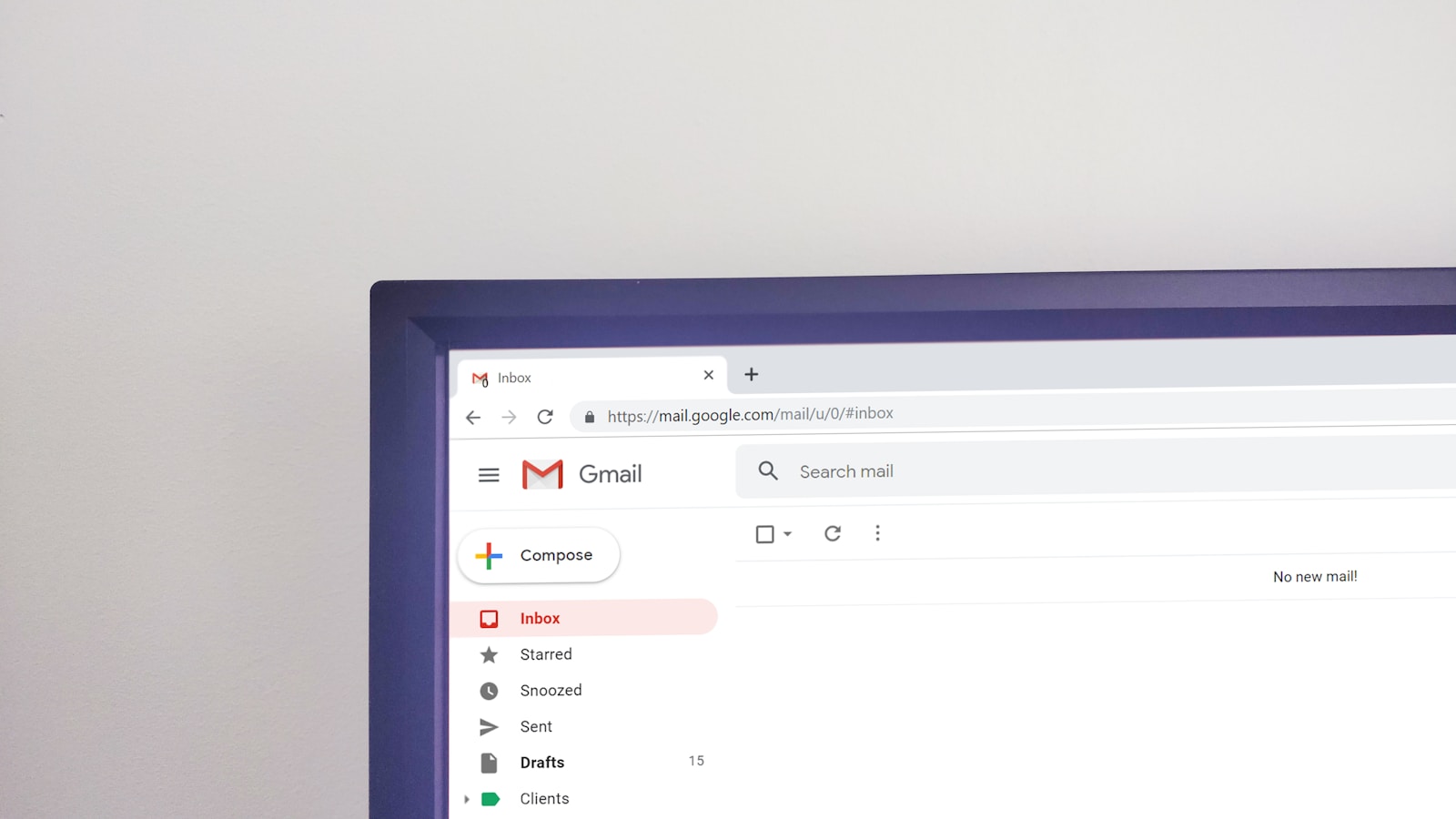
Today, email remains a vital communication tool, and the right email templates can significantly enhance engagement. To capture attention and communicate effectively, emails must strike a balance between design and function. Small design choices—such as layout, color, and typography—can significantly influence how messages are perceived, making them both visually appealing and effective in their purpose. Ultimately, smart design transforms an email from just another message into something that gets noticed and acted on.
Understand the Audience
Before designing, it is essential to identify the target audience. Different groups have different priorities, needs, and wants. Knowing who you are targeting can help you customize the template even better to fit their tastes and needs. For example, the tone of voice and look and feel of an email targeted to professionals in finance might need to be more formal than that of an email aimed at young creatives. Various email marketing solutions offer email templates that can be further refined to meet the needs of your audience.
Prioritize Simplicity
Usually, less is more when it comes to email design. Tackling a template with too much bulk may increase confusion amongst the recipients, and they may lose the original message. A simple and uncluttered layout provides a focus on the main message.
Use White Space
We all know that white space is a great help, as it enables the content to flow more smoothly and allows readers to concentrate on the key content without distractions.
Including Visuals
Visual elements can make an email more alluring. But a necessary balance is still important. Use images, graphics, or icons that accompany the text rather than distract the readers from it. Make it visually appealing by using quality visuals. Also, ensure that this is relevant to the message.
Focus on Typography
Email typography also plays a vital role in design. The font you choose can significantly impact both readability and the overall aesthetic. It should be a legible font, one that is easy to read. The font style and size used throughout the template should be consistent, giving it a clean appearance. You can also emphasize with different font weights.
Make Sure it is Mobile-Friendly
Since many people view their emails on mobile devices, it is essential to ensure your email templates are optimized for smaller screens. Responsive design allows content to adapt to screens of all sizes. By testing the template on multiple devices, potential issues can be identified, and the user experience can be optimized.
Implement Attractive CTAs
CTAs (Call-to-actions) are the core of email engagement. These are the types of prompts that motivate recipients to take action, such as signing up for a webinar or downloading content. Incorporating compelling CTAs, which include actionable language and placement within the template to ensure visibility and effectiveness.
Maintain Unified Branding Used
Being consistent with your branding creates familiarity and trust. Consistent use of brand colors, logos, and fonts in all emails reinforces brand identity. That consistency enables recipients to identify the sender immediately, which enhances recognition and trust.
Test and Refine
Testing is vital to confirm that an email template works. Experimenting with subject lines, images, or CTAs through A/B testing or other practical jargon gives an idea of what works best with the audience. The analysis of feedback and performance metrics enables continuous improvements in email campaigns, leading to increased efficiency.
Ensure Accessibility
Accessibility should never be an afterthought. Designing accessible email templates from the outset demonstrates your brand’s commitment to inclusivity. Simple steps—like using descriptive alt text for images and maintaining strong color contrast—can make a big difference. These small efforts help ensure that your content reaches people with disabilities, demonstrating your care for every user’s experience. Prioritizing accessibility isn’t just smart design—it’s the right thing to do.
Conclusion
Creating well-crafted, eye-catching, and functional email templates isn’t as easy as it sounds. Success begins with understanding your audience, keeping content concise, and ensuring it is mobile-friendly to maintain attention. While brand standards drive consistency, the real strength of a template comes from thorough testing and accessibility considerations. By following these principles, organizations can design impactful emails that not only look visually appealing but also convey their message clearly and effectively.
Photo by Krsto Jevtic; Unsplash

Rashan is a seasoned technology journalist and visionary leader serving as the Editor-in-Chief of DevX.com, a leading online publication focused on software development, programming languages, and emerging technologies. With his deep expertise in the tech industry and her passion for empowering developers, Rashan has transformed DevX.com into a vibrant hub of knowledge and innovation. Reach out to Rashan at [email protected]
























