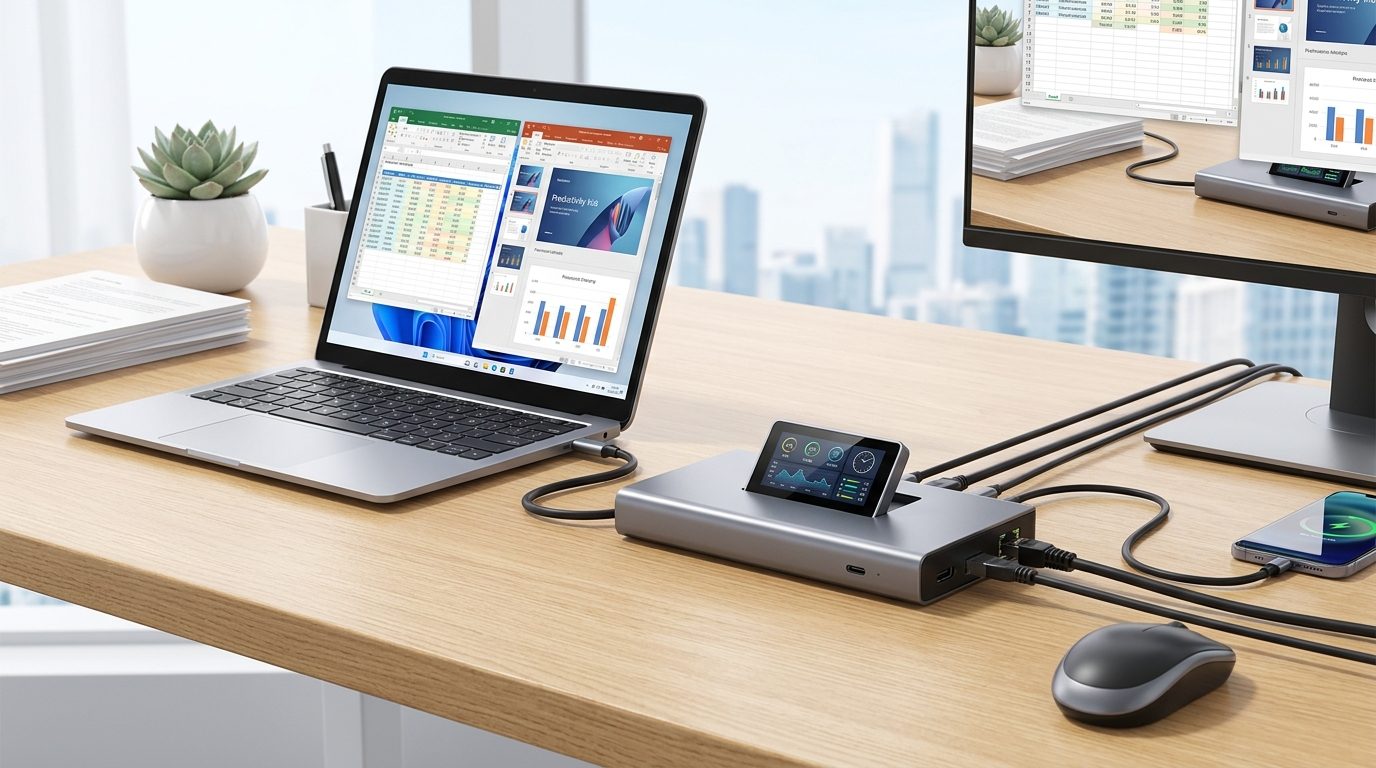
Cabletime has introduced a USB laptop dock with an integrated display, adding a new function to a device often used only for ports. The dock is designed for desks and travel, where users may need more connections without carrying several adapters.
Details about the screen, port selection, price, and release schedule were not provided. Still, the display could help Cabletime’s model stand apart in a crowded accessories market.
A Different Approach to Laptop Expansion
USB docks solve a common problem created by thinner laptops. Many modern computers have limited space for HDMI, Ethernet, card readers, and traditional USB ports. A single dock can connect these devices through one laptop port.
One longtime dock user described relying on the accessories in several settings.
“I’ve relied on USB docks to expand my laptops’ connectivity options, both in my home office and on the road, for years.”
That experience reflects two major uses for docks. At a desk, they can connect a laptop to displays, storage, and other equipment. During travel, compact models can restore ports removed from lightweight computers.
The Screen Could Add Practical Value
Cabletime’s main point of difference is its built-in screen. The display was described as “surprisingly versatile,” although its exact functions remain unclear.
A dock screen could provide useful information without requiring users to open software. Depending on Cabletime’s design, possible uses may include connection status, device information, or other system details. These functions have not yet been confirmed.
The screen may also affect where the dock works best. A visible display can add value on a permanent desk, but travelers often place more weight on size, weight, and durability.
- Desk users often want several ports and easy device management.
- Travelers usually favor compact designs and fewer cables.
- A screen must offer clear information to justify added cost and power use.
Key Questions Remain Unanswered
The dock’s wider appeal will depend on more than its display. Buyers will need details about charging capacity, video output, data speeds, and compatibility. The number and placement of ports will also shape daily use.
Price will be another major test. Standard USB hubs are widely available at low prices, while advanced docking stations can cost much more. Cabletime must show that the screen provides practical benefits rather than serving as decoration.
Software support may matter as well. If the display requires a dedicated application, buyers will want broad operating-system support and regular updates. If it works without software, setup may be easier across work and personal computers.
Cabletime’s screen-equipped dock offers a fresh take on a familiar laptop accessory. Its success will rest on execution, including port performance, display usefulness, portability, and price. Full specifications and hands-on testing will be needed to determine whether the screen earns its place on a desk or in a travel bag.

A seasoned technology executive with a proven record of developing and executing innovative strategies to scale high-growth SaaS platforms and enterprise solutions. As a hands-on CTO and systems architect, he combines technical excellence with visionary leadership to drive organizational success.