


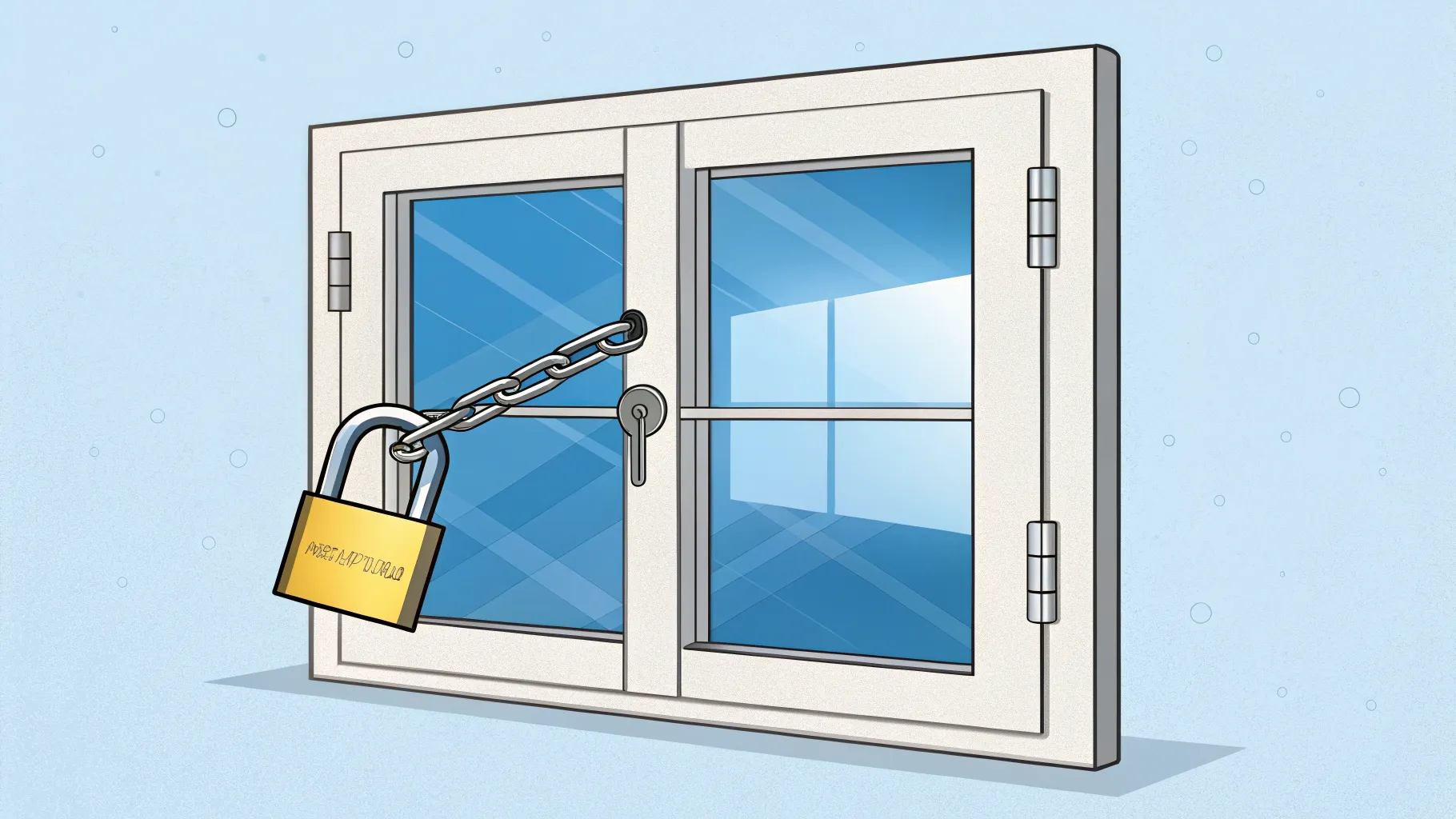
Microsoft is shutting down popular tricks that let users set up Windows without signing in with a company account. The change targets install and setup steps on recent Windows builds and appears to be rolling out across new devices and updates this season. It matters for home users, IT hobbyists, and privacy-minded buyers who prefer a classic local account.
While Microsoft has not published a single detailed notice, users and testers report that long-standing methods to skip an online account are now blocked. That includes steps during the out-of-box experience, the moment when a PC boots for the first time. One clear statement captured the shift:
“Microsoft is disabling the best local account workarounds.”
Why Local Accounts Became Harder
Windows 11 Home has required an internet connection and a Microsoft account during setup since launch. Windows 11 Pro later moved in the same direction. Many users still prefer a local account to reduce data sharing, avoid syncing, and keep a PC offline. That preference gave rise to a cottage industry of how-to guides that explained ways around the sign-in screen.
For years, common steps included cutting the internet connection at just the right time, triggering “limited setup,” or entering a placeholder email to force a local path. Another favorite involved a hidden command during setup. These methods helped home labs, kiosks, and simple family PCs stay account-free.
What Is Changing Now
Reports from recent Windows builds indicate that:
- Setup now resists network cutoffs and may cache sign-in steps until a link is restored.
- Fake email tricks no longer trigger a local option.
- Command-line paths that once exposed “limited setup” are blocked.
Together, these changes close most of the easy routes to a local profile at first boot. Users can still create a local account later, but only after first signing in with a Microsoft account or using enterprise tools.
Privacy, Control, and the Company’s Pitch
Microsoft’s case for the online requirement is simple: a tied account enables device recovery, cloud backup, and security features. It also makes services like OneDrive and Microsoft Store work smoothly on day one. Advocates say this improves safety and convenience for nontechnical users.
Critics argue the shift limits choice. They worry that setup now nudges people into syncing data and linking purchases across devices. Power users also point to off-grid needs, such as field computers or lab machines that should not connect during initial setup.
Impact on Different Users
Home users will see the biggest change. A new PC will likely need a Microsoft account at setup. Parents setting up a child’s laptop or buyers prepping a gift PC will need internet and a sign-in.
Small businesses that rely on Pro licenses may be less affected if they use deployment tools or domain join methods. Enterprises already use provisioning packages or management suites to create local or managed profiles at scale. The pain point sits mainly with tinkerers and privacy-focused consumers.
Known Alternatives and Their Limits
Some paths remain, but they are narrower and require more planning:
- Provisioning with a USB-created package can pre-stage a local user, but it takes extra steps and tools.
- Signing in once and converting to a local account later still works, though it defeats the purpose for some.
- Specialized deployment tools can set local users, but they target IT staff, not casual users.
Unofficial hacks are surfacing, yet they may break, cause setup errors, or fail after updates. Users should weigh the risks before relying on them.
What This Signals for Windows
The company has steered Windows toward cloud-tied features for years, from passwordless sign-in to device sync and backup. Tightening setup helps Microsoft standardize security and service defaults. It also supports subscriptions and app distribution.
The shift may clash with regional rules on choice and data control, especially in markets with strict privacy expectations. Consumer advocates could press for clearer opt-out paths or a more visible local option, even if it is not the default.
For now, the practical advice is clear. Anyone who needs a local account should plan deployment ahead of time with supported tools. Buying a device that allows enterprise provisioning or working with a technician can prevent surprises during setup.
Microsoft’s move will likely stick. Expect further tweaks to the setup flow, a stronger push to cloud backup, and closer ties to security features that rely on identity. The open question is whether users will get an easier, visible route to local accounts without hidden steps. Until then, many will adapt by planning installations rather than improvising at the first boot screen.

Rashan is a seasoned technology journalist and visionary leader serving as the Editor-in-Chief of DevX.com, a leading online publication focused on software development, programming languages, and emerging technologies. With his deep expertise in the tech industry and her passion for empowering developers, Rashan has transformed DevX.com into a vibrant hub of knowledge and innovation. Reach out to Rashan at [email protected]
























