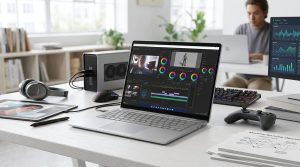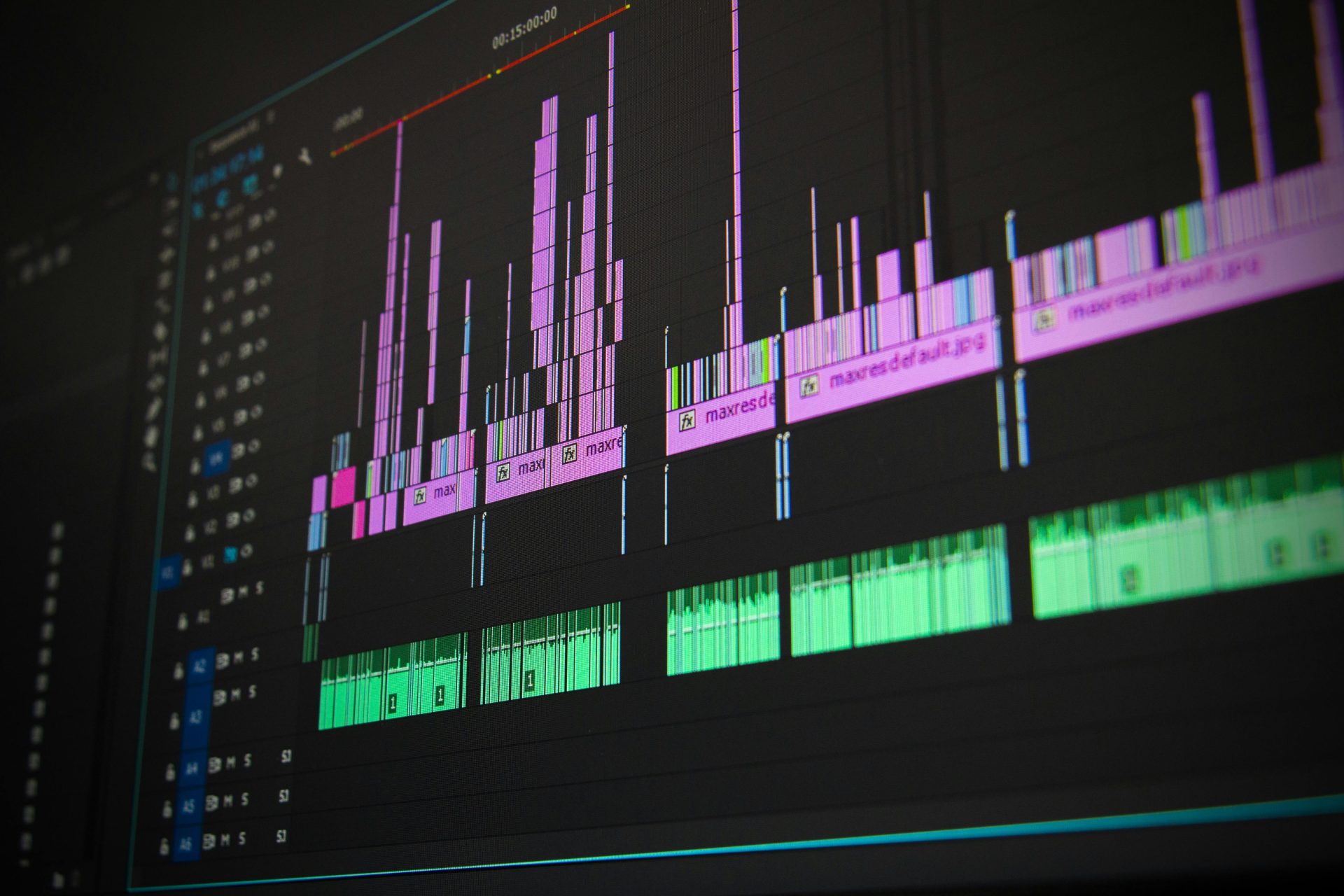
Product demos are essential for showcasing your product’s features and benefits. Businesses need to create compelling, seamless presentations to engage potential customers and provide a clear understanding of their offerings. Using a video merger tool to make a well-edited video can make all the difference in capturing your audience’s attention.
Merging several short demo clips into a cohesive video is a practical approach to achieve this. Whether you’re showing different angles, features, or updates, combining the footage ensures that your message is delivered smoothly. You can easily accomplish this task using online tools without investing in expensive software or hiring professional editors.
Merging multiple product demos may seem daunting, but with the right tools, it’s simple and effective. Using an online video merger tool, you can combine several video clips into one polished presentation, making it easy to highlight all the crucial aspects of your product in a single, well-organized video.
What is Video Merging?
Video merging refers to the process of combining two or more separate video files into one unified video. This method is particularly useful when working with product demos because it allows you to present multiple features or perspectives in a single, continuous video. For example, you might have different demo clips showing how your product works in various settings or scenarios. By merging them, you ensure a seamless flow that tells a complete story without interruptions.
The benefits of using a video merger tool to create product demos are significant. First, it enhances the viewer experience by eliminating the need to jump between different video files. This streamlined presentation keeps your audience engaged and conveys your message clearly. Second, merging videos allows you to create a more professional-looking product demo without the need for advanced editing skills. Lastly, it saves time and resources by allowing you to use free online tools, many of which are designed for beginners and offer easy-to-use interfaces.
Online Video Merging Tools Overview
Several free online tools make video merging quick and easy. Some of the most popular ones include Kapwing, Clideo, Adobe Express, and Online Video Cutter. These tools are designed for simplicity, allowing you to upload, arrange, and merge your clips.
Here’s a brief overview of these tools:
- Kapwing: An easy-to-use platform with a large selection of capabilities for editing videos. It may be used for text or transition addition, video cutting, and video merging.
- Clideo: Clideo offers a simple, intuitive interface and specializes in video fusion. Multiple clips may be uploaded, organized, and exported in several formats as a single combined video.
- Adobe Express: Previously called Adobe Spark, this program offers basic video blending capabilities in addition to other features like text, music, and branding components.
- Online Video Cutter: This easy-to-use, straightforward application allows users to combine, trim, and crop films. It is ideal for those who want a quick and simple way to mix video clips.
Step-by-Step Guide: Merging Product Demos
To merge and edit your product demos using these online tools, follow these simple steps:
- Arrange Your Footage: It’s critical to arrange your demo clips before you start. Make sure all of your files have the right format (MP4, MOV, etc.) and rename them.
- Put Your Videos Online: Select the online video merger tool of your choice and upload the product demo clips that you wish to mix.
- Organize the Clips: After uploading your files, place them in the correct sequence.
- Trim and Edit: Trim the beginning or end of each clip to delete any extraneous material.
- Merge and Export: Once all of your clips have been added and edited, click the “merge” or “export” option to combine them.
Editing Product Demos After Merging
After merging your clips, you may want to make some additional edits to ensure the final product demo looks polished. Many online tools offer basic editing features such as adding text overlays, subtitles, or background music. These elements can help clarify your message and enhance the overall presentation.
For example, if you’re merging product demos showcasing different features, you can add text annotations highlighting specific functions or benefits. You might also consider adding your brand logo or a call-to-action (CTA) at the end of the video to encourage viewers to take the next step, such as visiting your website or making a purchase.
Best Practices for Merging and Editing Product Demos
When merging and editing product demos, keeping your audience in mind is essential. Here are a few best practices to follow:
- Keep it concise: Product demos should be informative but not too long. Depending on the complexity of your product, aim for a video length of 2–5 minutes.
- Use smooth transitions: Adding transitions between merged clips helps create a seamless flow and prevents abrupt cuts that can disrupt viewer engagement.
Conclusion
Merging and editing product demos is crucial in creating a professional, polished presentation that effectively highlights your product’s features. Using an online video merger tool allows you to combine several video clips into one cohesive video without needing advanced editing skills or expensive software.
Photo by Pixabay; Pexels
Related Articles
- Food Photography Angles: The Secret to Mouthwatering Photos
- What is AI UGC? The Future of Scalable Content for Marketers
- Life in The Digital World: Is It Impossible To Be Private Online?

Kyle Lewis is a seasoned technology journalist with over a decade of experience covering the latest innovations and trends in the tech industry. With a deep passion for all things digital, he has built a reputation for delivering insightful analysis and thought-provoking commentary on everything from cutting-edge consumer electronics to groundbreaking enterprise solutions.