When servers crash or cloud services go offline, software engineering teams face an intense scramble. An unexpected database crash or a broken API link usually sets off emergency alerts, forcing engineers to drop everything and start digging through raw error logs. While technical teams spend hours inspecting memory dumps and pushing out emergency fixes, the rest of the company often sits in the dark. Customer support managers, sales directors, and company leaders need to know what is happening right away so they can handle incoming client questions and keep daily operations running.
Companies often struggle to bridge this communication gap during high-stress situations. Technical error codes and raw server architecture do not translate well for departments outside of engineering. Trying to explain a complex backend failure to someone in marketing by showing them lines of terminal code usually just creates confusion and wastes valuable minutes that should go toward fixing the system.
Standard communication methods tend to fail when a crisis hits because messy technical updates sent through group chat channels create total noise. Non-technical staff members easily misread technical terms, while engineers get annoyed by constant questions about when services will come back online. Email threads also get out of date almost immediately as the situation changes, leaving administrative teams working with old information.
Solving this communication problem usually means connecting technical monitoring tools directly to office displays. Engineering teams already use monitoring platforms that track server health and system errors constantly. Routing that data into a centralized display system allows companies to keep everyone updated across physical offices and remote workspaces without forcing tired engineers to send manual status reports.
Connecting Monitoring Tools to Office Displays
Getting real-time information out of a developer workspace and onto screens around an office takes a little bit of upfront setup. Most technology companies already rely on monitoring tools to track CPU usage, server speed, and error rates. Hooking those existing tools up to physical monitors changes how information spreads through a building when an outage strikes.
When a core database stops responding, monitoring software can send automated signals directly to a central display platform. That system instantly turns the technical data into a plain-English status message. Sales teams walking past a lobby screen or a breakroom monitor see a clear note explaining that the customer portal is temporarily offline for emergency maintenance.
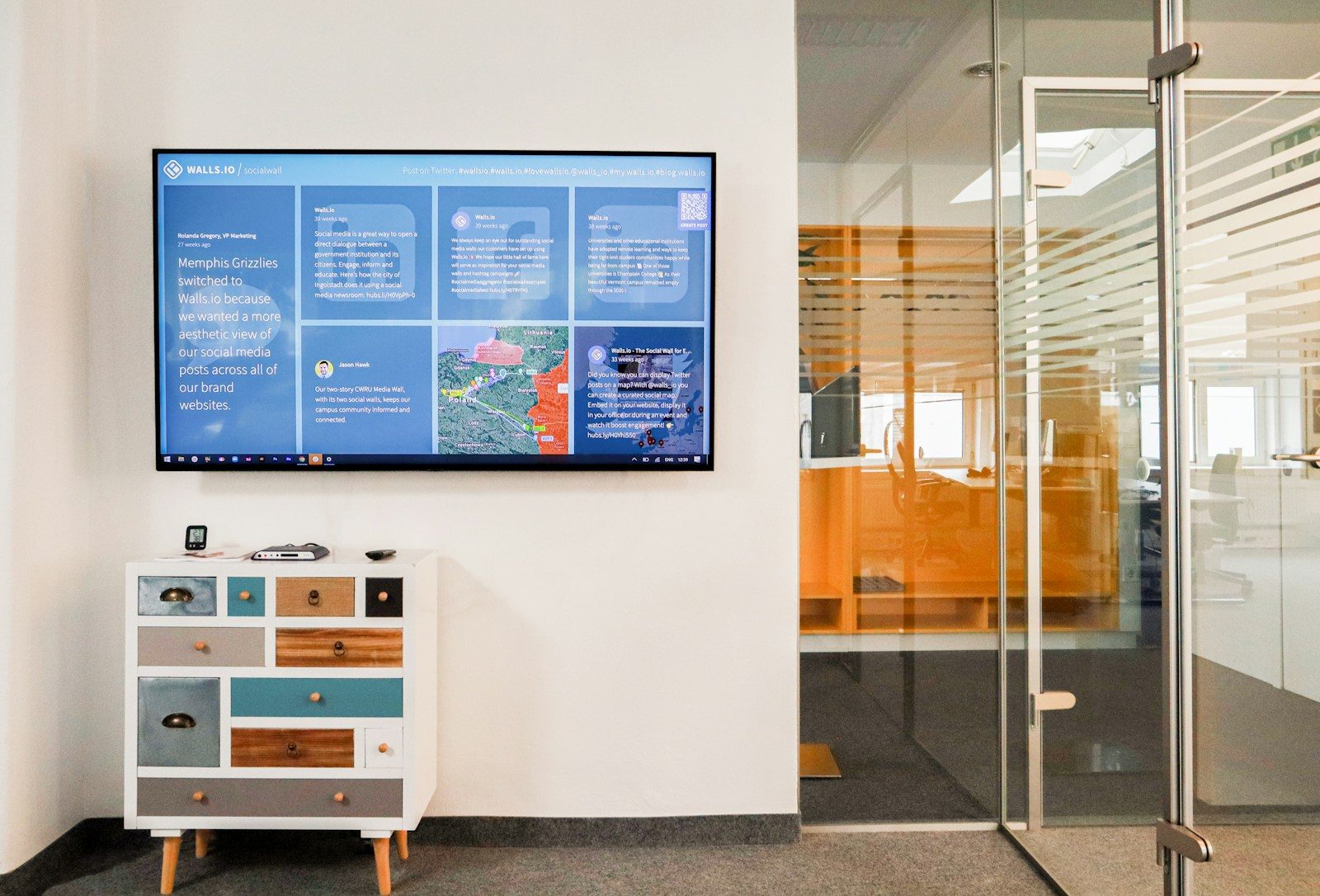
Organizations looking to scale this setup often rely on a dedicated digital signage solution to manage content across multiple office locations and departments. Centralizing control over these displays ensures that messaging remains consistent, accurate, and tied directly to verified engineering updates throughout an incident.
Setting up this kind of automated workflow means you can stop answering the same questions every time your phone rings. Letting your monitoring tools handle the communication updates keeps developer attention locked onto terminal screens solving the real problem instead of answering repetitive status checks. Relying on manual updates or pausing debugging sessions to type out progress reports destroys productivity and delays system recovery. Keeping operations moving smoothly depends entirely on eliminating unnecessary distractions while core systems remain unstable.
Designing Clear Visuals for the Rest of the Company
Colleagues outside the engineering department do not need to look at complex system charts to do their jobs. They just need simple facts about what is broken, and roughly how long it will take to fix. Designing what appears on those office screens requires keeping messages short and entirely free of confusing technical acronyms.
Predefined message templates inside display software can be prepared long before an emergency ever happens. When things go wrong during a deployment, selecting the right template, updating the name of the broken service, and pushing it live to every office monitor takes only a few seconds.
Keeping things simple stops support teams from guessing whether they should tell frustrated customers that user logins are failing. Glancing up at the nearest screen gives everyone a verified status, allowing them to adjust their customer conversations accordingly.
Securing Your Operational Data Streams
Pushing server telemetry outside of secure engineering networks can introduce serious security challenges that require careful management. Broadcasting sensitive infrastructure details or internal network layouts to every screen in a building might create risks if unauthorized visitors walk by.
Enterprise display software can provide strict access controls and encrypted data transmission to keep operational data locked down tight. Administrators can configure endpoints so that only approved accounts are allowed to push updates to specific physical zones within an office footprint.
Remote workers also need to stay in the loop when office screens cannot reach them at home. Combining physical office displays with desktop notification software can ensure that every person in an organization receives the exact same status updates at the exact same moment, whether they are sitting at a downtown desk or working from home.
Automating Incident Resolution Updates
Rebuilding trust between engineering units and business teams happens naturally when status updates match the actual speed of code fixes. As soon as engineers push a hotfix and confirm that error rates have dropped back down to normal, tracking software should handle the rest of the communication loop.
The moment an incident ticket closes in an internal tracking system, an automated script can clear warning banners from office displays and replace them with a quiet green all-clear indicator. Logging into a separate content management system just to tell everyone the crisis has passed becomes completely unnecessary.
Building these automated communication pipelines can take the friction out of handling unexpected outages. Protecting engineering focus, keeping non-technical colleagues informed without wasting their time, and making sure an entire company moves through technical crises with absolute clarity can set a strong foundation for operational resilience.
Operating without dedicated broadcast tools can leave wide margins for costly miscommunication, whereas investing in robust automated infrastructure guarantees that internal stakeholders remain fully aligned and well-informed during the most stressful technical recovery periods imaginable. Establishing these reliable communication frameworks ensures long-term stability across every department whenever unexpected technical challenges test organizational readiness.
Photo by Walls.io: Unsplash

Priya Nandakumar covers enterprise technology and AI infrastructure for DevX, with a focus on the systems decisions that look fine until they don't. Caching layers, message queues, fault tolerance. She spent seven years as a backend engineer at two Series C startups before moving into technical journalism, and she still reads changelogs for fun.