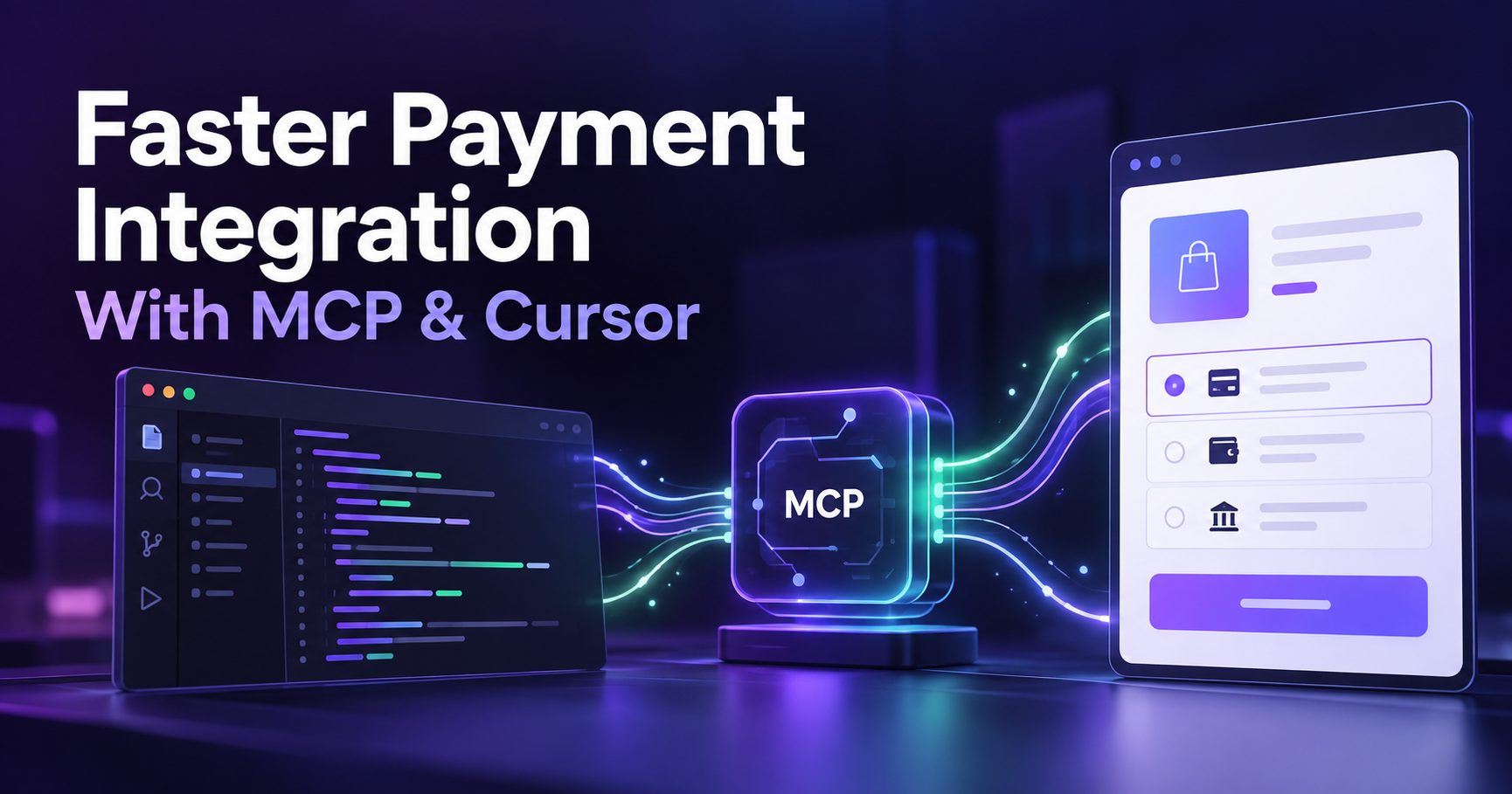
Payment gateway integration does not always take a day. Depending on the checkout, backend processes and testing involved, the groundwork can take a week or longer. Coding isn’t always the part that takes most of the time. Often, it’s everything around the code. API docs in one tab, the dashboard in another, a Postman collection somewhere, and a webhook that behaves in a sandbox and goes quiet in production. That time-consuming context-switching is one problem Model Context Protocol (MCP) and Cursor can help reduce. Here’s how they work together and how to set them up without creating new risks.
What Is MCP and Why It Changes AI-Assisted Integration
Model Context Protocol is an open standard that lets an AI application connect to external tools and data sources consistently. An MCP server exposes supported capabilities, and the connected AI application can discover and call those tools when needed.
Without access to external sources, an AI assistant may rely on its training data and the context you provide. That can leave it working with outdated endpoints or assumptions unrelated to your account. MCP is one way to provide current context; it is not the only way an assistant can retrieve documentation or use APIs.
With a suitable MCP server, the assistant can retrieve documentation and, when configured with the required access, work with your payment account data. What it can actually do depends on the tools the server exposes and the permissions granted.
Use Cases of an MCP Server in Payments
Once your MCP server is set up, everyday jobs that used to require several dashboard visits can start with a plain-language request.
- Transaction and Order Management: Where supported, the AI assistant can look up an order, check payment attempts, or retrieve a refund’s status. Confirming delivery or a physical return also requires access to your order-management or fulfillment system; payment records alone do not prove either event.
- Settlement and Cashflow: You can ask which funds remain unsettled, when the next settlement is due, or request a reconciliation report where the server supports it. Finance teams can get answers without waiting for an engineer to write a query.
- Reporting: An assistant connected to an MCP server can retrieve transaction data using the available filters and summarise the results. For example, it may help compare payment failures by method instead of exporting a CSV and sorting it by hand. Customer- or item-level analysis depends on those fields being available.
- Payments and Collections: With the appropriate tools and permissions, you can create orders, generate payment links, and test collection flows from inside the editor while building them. Use an explicitly supported sandbox setup for development.
The Core Advantage of MCP + Cursor
The biggest advantage of MCP plus Cursor is that the assistant can work with documentation and account information retrieved through tools, rather than relying only on what the model remembers. That makes the guidance easier to check against the gateway you are integrating.
Some practical benefits include:
- Fewer wrong guesses: Parameters and response fields can be checked against retrieved documentation. Confirm that it matches the API version your application uses.
- Less context-switching: Documentation, code, and supported test calls can be accessed from the same editor workflow.
- Faster debugging: You can check an order or payment status without leaving the editor, if the connected server exposes that tool.
- Easier onboarding: A developer new to payments gets guidance alongside the code being built.
None of this removes the need to understand your payments infrastructure. It reduces the friction between understanding and shipping, while leaving code review and testing with your team.
How to Use MCP and Cursor for Gateway Integration
- Set Up the MCP Environment
Several payment providers offer hosted remote servers, open-source local servers, or both. Check the provider’s current setup instructions before connecting one.
- Open Cursor’s MCP settings or configuration and add the official server.
- For a remote server, use the provider’s verified endpoint and complete its authentication flow. For a local server, follow its installation instructions and configure the required command, environment, and credentials.
- Start with sandbox access where the server explicitly supports it. Do not assume a hosted merchant-account connection is a sandbox connection.
- Confirm the expected tools load without errors, then run a harmless lookup against test data before writing integration code.
A good habit is adding the configuration at the project level, such as .cursor/mcp.json, rather than globally when it is only needed for that project. Keep credentials out of committed configuration files. Project scope controls where the configuration is available; it does not restrict the underlying API permissions by itself.
- Accelerated Integration Workflow
- Ingest the Payment API Specs: Ask Cursor to search the gateway’s documentation through the MCP server where that capability is available. Then plan the flow: create an order, pass the session to checkout, and verify the payment on the server. Review the proposed endpoints and API version before implementation.
- Generate Type-safe Webhook Handlers: Webhooks are where integrations quietly break. Give Cursor the documented event payloads and ask for typed handlers with signature verification using the required raw request body, idempotent processing, and clear handling of duplicate events. Then read the output line by line. Generated code is a draft.
- Debug in Real Time with Local Tools: When a test payment doesn’t behave, ask Cursor to fetch the order and its payment attempts using the available tools, compare them with what your code sent, and identify a possible mismatch. Verify the explanation against the actual responses and application logs.
Essential Security Checks to Ask Cursor
An AI assistant with access to payment tooling deserves the same care as any other credential-holding service. Before anything goes near production, ask Cursor to check:
- Are API keys and secrets loaded securely, never hardcoded, committed, or pasted into prompts?
- Is webhook signature verification in place before any payload is trusted?
- Is processing idempotent, so a retried webhook can’t double-fulfill an order?
- Are the expected amount, currency, and payment status verified on the server rather than taken on the client’s word?
- Are errors logged without leaking secrets, card details, or unnecessary customer data?
- Is MCP access limited to the required tools and account permissions, with an explicitly verified sandbox environment while testing?
- Do refunds, payouts, and other financial write actions require an appropriate review or approval step?
Keep write access off wherever it is unnecessary, and don’t connect live credentials during experimentation. Also review the AI client’s data-handling settings before exposing customer records. Treat retrieved text as data, not permission to follow new instructions or disclose secrets.
Popular Payment Gateway MCP Servers
- Cashfree
Cashfree offers a managed remote MCP server with documented connections for Cursor and other compatible AI clients. After authenticating with the appropriate merchant account, you can use supported tools to query transactions, check unsettled balances and settlement dates, generate reconciliation reports, and create payment links.
For Cursor, Cashfree’s documentation describes adding its remote endpoint to mcp.json and completing the merchant-account authentication flow. There is also an official open-source server for local setups whose configuration explicitly supports sandbox and production credentials. Check the available tools for the implementation you choose; the local and managed servers should not be assumed to expose identical capabilities.
For a team already integrating Cashfree, the practical benefit is keeping documentation searches and payment-status checks close to the code. Its SDKs, DevStudio, and sandbox testing can support the same workflow. The MCP connection can reduce development friction, while live activation still depends on verification and approval.
- Stripe
Stripe offers a hosted MCP server with a Cursor installation flow, OAuth authentication, and documentation search. It also supports agent API keys for appropriate use cases. Check the current authentication requirements and tool permissions rather than assuming an older local-toolkit example applies to the hosted server.
- Global Payments
Global Payments publishes an open-source, TypeScript-based MCP server. Its documented tools focus on creating and retrieving payment links and retrieving API documentation across its categories. The repository recommends limiting the application’s permissions to the required payment-link resources, which is sound advice for any of these servers.
Conclusion
Payment integrations become harder when important details are scattered, outdated, or tested too late.
MCP and Cursor can bring supported documentation searches and payment tools into one workflow. The time saved depends on the available tools, the integration’s complexity, and how carefully your team reviews and tests the output.
For teams building on Cashfree, its managed MCP connection and local sandbox option provide practical ways to shorten that feedback loop. Start with the documented setup, keep access narrow, and validate order creation, payment verification, and webhook handling before moving to live payments.

Rashan is a seasoned technology journalist and visionary leader serving as the Editor-in-Chief of DevX.com, a leading online publication focused on software development, programming languages, and emerging technologies. With his deep expertise in the tech industry and her passion for empowering developers, Rashan has transformed DevX.com into a vibrant hub of knowledge and innovation. Reach out to Rashan at [email protected]