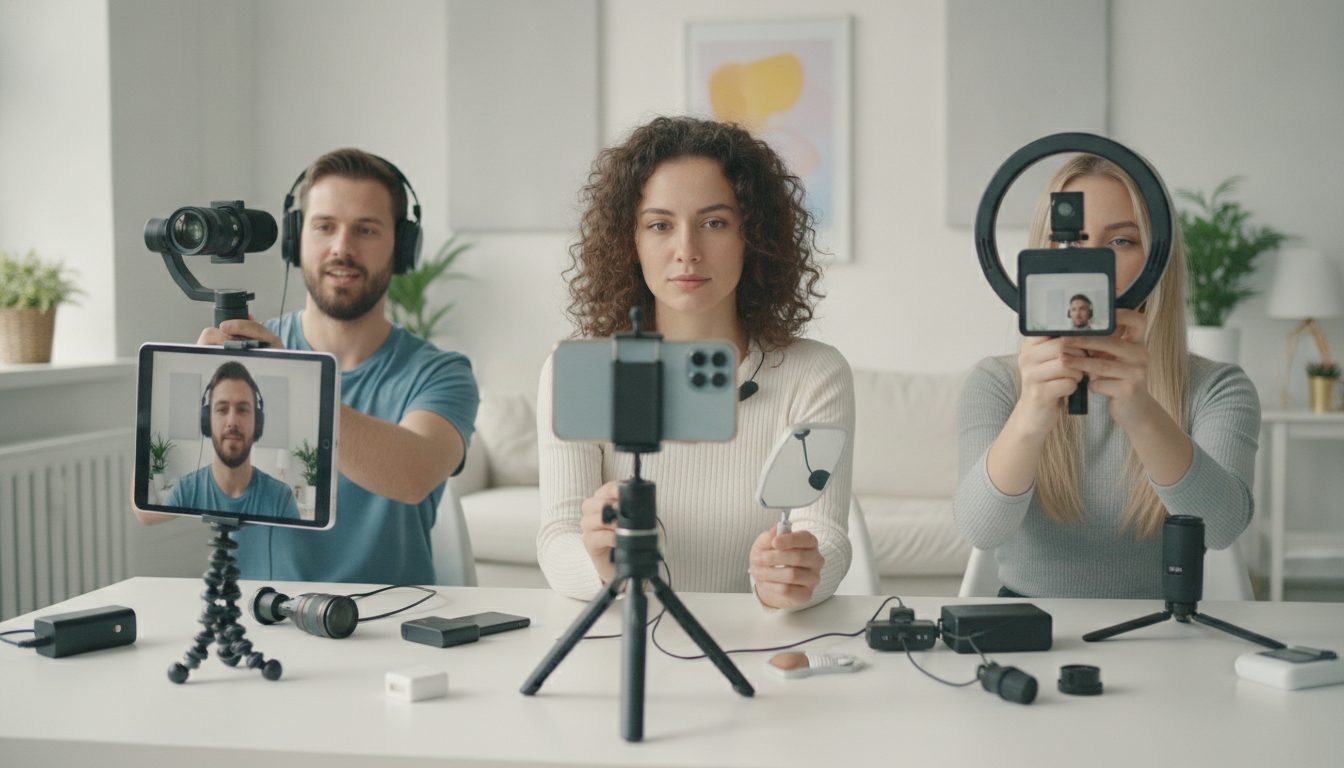
Creators are rethinking how they record themselves on smartphones, trading convenience for better image quality and clearer sound. Many now turn to the rear camera for sharper video, but keeping their face centered without a screen preview remains a common snag. The shift is pushing new habits, gadgets, and software features that aim to make self-recording simpler and more reliable.
At the heart of the trend is a simple problem: the front camera is easy to use, yet it often looks soft or noisy. The rear camera is typically sharper, but framing becomes guesswork. As short videos and livestreams set a higher bar for clarity, the gap between ease and quality is getting more attention.
Why Rear Cameras Matter
Rear cameras usually have larger sensors and better lenses. They handle low light better and offer improved dynamic range. They also capture steadier footage with stronger stabilization. For creators who record on the go, these gains can be the difference between a polished clip and one that viewers skip.
Higher quality also supports editing. Sharper footage can stand up to cropping and reframing. That helps when exporting to different aspect ratios for multiple platforms.
The Framing Problem
Turning the phone around removes the live preview that most people rely on. A slight tilt can clip a forehead or cut off a shoulder. That risk grows when recording while walking or propping the phone on a table.
Recording yourself with a smartphone is simple. Recording yourself using the higher-quality camera on the back of your phone without clipping off half of your face? That’s a little more challenging.
Creators describe the first moments of a shoot as the most error prone. A missed frame can ruin a take. For solo work, repeating lines adds time and drains energy.
Workarounds and Tools
Simple habits help. Mark the floor where you stand. Count your arm’s length from the lens. Use consistent lighting and a tripod at eye level. These steps reduce guesswork.
- Use a smartwatch as a remote viewfinder and shutter.
- Pair a Bluetooth shutter to avoid bumping the phone.
- Add a small mirror or flip-out reflector near the lens as a framing cue.
- Mount a compact teleprompter with a phone tray to see yourself while using the rear camera.
- Turn on grid lines and center guides to align with background references.
Small microphones that clip to a shirt can fix weak audio, which often exposes even great video. Wind screens and basic room treatment, like curtains or rugs, help control echoes.
Software Steps In
Phone makers are adding tools that ease solo recording. Auto-framing can follow a subject within the frame. Some devices highlight faces and keep them centered as you move. Others use voice control to start and stop recording without touching the phone.
Accessibility features are also helping. Audio cues and haptic feedback can signal when a face is centered. On-screen arrows guide the user to tilt left or right. These aids started for accessibility, but many creators now rely on them for speed.
Balancing Ease and Quality
Not every clip needs the rear camera. For quick updates, the front camera is fine. For paid work or tutorials, the rear camera can raise quality with a few extra steps. Many creators mix both in a single project.
The tradeoff shows up in time spent. A rear-camera setup might add a few minutes per take. Some say the return is worth it. Others prefer faster shooting and quicker posting.
What It Means For The Industry
Accessory makers are racing to solve the preview problem. Teleprompter rigs sized for phones are more common. Cases with cold-shoe mounts let users add lights and microphones without bulk. Tripods now include fold-out mirrors and level indicators.
App developers are leaning into framing aids. Expect more face-detection overlays, automatic clipping warnings, and simple coaching prompts. Camera apps could soon alert users if a forehead or chin leaves the frame, then offer a gentle fix.
The push to use the rear camera is reshaping how people plan shots, set up small studios, and think about sound. The best results still start with basics. Stable support, clean audio, and a clear subject remain essential. The latest tools reduce the risk of missed frames and save time when working alone. Watch for more hardware with built-in mirrors and smarter auto-framing in the next cycle of phones and creator apps.

Rashan is a seasoned technology journalist and visionary leader serving as the Editor-in-Chief of DevX.com, a leading online publication focused on software development, programming languages, and emerging technologies. With his deep expertise in the tech industry and her passion for empowering developers, Rashan has transformed DevX.com into a vibrant hub of knowledge and innovation. Reach out to Rashan at [email protected]