
File upload functionality seems straightforward until something goes wrong. A user drops a document into your application, your server accepts it, and depending on what you check and what you skip, you’ve either handled it responsibly or opened a vulnerability you didn’t intend to create. This is a problem every developer writing upload code owns, not just the security team.
The risks involved are broader than many developers expect the first time they build this feature. Malicious content can hide inside metadata, scripts can embed themselves in formats that look completely inert, and storage configurations that work fine during development can become serious liabilities in production. Security professionals have documented these risks well, and the same core defensive patterns apply across every major tech stack.
Validate Files Before You Trust Them
Never trust what the client sends. File names, extensions, and MIME types from the browser are all user-controlled data, which makes them inherently unreliable. A developer building a PDF to Word converter understands this implicitly: when a pipeline accepts and transforms uploaded files, every unvalidated input becomes a potential injection point. Always run server-side validation that checks the actual file content rather than the metadata the browser supplies.
Magic bytes — the first few bytes of a file — reveal the true format regardless of what the extension says. Libraries like python-magic in Python or file-type in Node.js let you inspect these bytes before processing anything. If a file claims to be a JPEG but reads as something else, reject it cleanly with a useful error message. Don’t attempt to fix it on the user’s behalf.
Add a file size check before content inspection. Set a strict upper limit and reject anything above it before you touch the actual bytes — this keeps resource consumption predictable and protects against simple denial-of-service attempts through large uploads.
Sanitize Content Based on File Type
Validation tells you what a file is. Sanitization controls what it can do once your system interacts with it.
PDFs, Office documents, and image formats all support features that can execute code or trigger external requests. Security researchers have documented embedded scripts in PDFs, macros in DOCX files, and SSRF-triggering metadata in SVGs as consistent attack vectors. The right mitigations depend on what your application needs to do with each file type:
- Strip macros from Office files before storing them, using headless LibreOffice or a dedicated library
- Render PDFs to flat images when you only need to display content, which removes the script layer entirely
- Parse SVGs with a strict allowlist rather than rendering arbitrary XML
- Re-encode images through a server-side library instead of serving original uploads directly.
Process Files in Isolated Environments
Processing pipelines expand your attack surface with every tool you add to the chain. Understanding the basics of PDF conversion, for example, means recognizing that the parser, the renderer, and the export module each interact with user-supplied data, and each carries its own vulnerability history. Container-based isolation or a sandboxed environment limits the damage a malicious file can cause, even if it successfully exploits a processing tool.
Set tight timeouts and memory limits on processing jobs. A deliberately malformed file can exhaust resources through slow parsing alone without ever executing code. If you delegate processing to a third-party API, treat its output as untrusted — validate the result before you do anything downstream with it.
Control Storage and Access
Uploaded files should never sit on a publicly accessible path by default. Even a file that passes every check creates an enumeration risk when stored at a predictable URL. Use cloud object storage with private ACLs and generate short-lived signed URLs when users need to retrieve their files. Access expires automatically, and you don’t have to remember to revoke anything manually.
Keep user upload storage separate from your application’s static assets. Files that users provide should not share a bucket or directory with files your application serves as part of its own interface. Mixing these two categories has caused real incidents, and the fix is a straightforward configuration decision best made early.
When you generate signed URLs, log each access event — who retrieved the file, when, and from what IP address. This adds an important layer of auditability that becomes valuable during incident investigations.
Logs and Incident Response
Track every upload: the file hash, detected type, size, user ID, timestamp, and outcome of validation. This data turns an ambiguous incident into something you can actually investigate and reconstruct. Most teams underestimate how often they’ll reach for it.
A workable response plan for upload-related incidents covers a few specific steps:
- Quarantine the file immediately and halt any ongoing processing.
- Identify all downstream systems that received or processed the file.
- Notify affected users if their data was accessed or exposed.
- Fix the validation gap, test it thoroughly, and re-enable the feature.
No application that accepts user files will stay completely free of bad uploads. The real question is what happens when one arrives — and whether your system does enough to contain it.
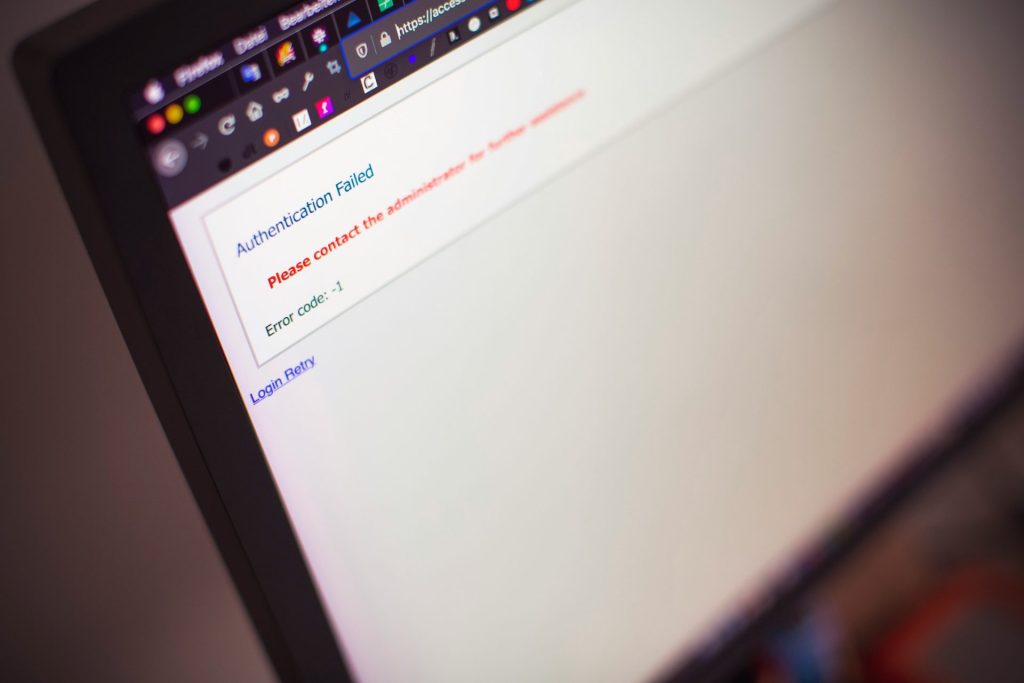
Photo by Emile Perron on Unsplash

Noah Nguyen is a multi-talented developer who brings a unique perspective to his craft. Initially a creative writing professor, he turned to Dev work for the ability to work remotely. He now lives in Seattle, spending time hiking and drinking craft beer with his fiancee.