
Most teams buy an SEO API on the strength of a single demo pull. The endpoint returns clean JSON in Postman, someone screenshots it, procurement signs off. Then it goes into a real pipeline, and the trouble starts. The data’s a month stale, the rate limit turns your first backfill into a three-day crawl, and the endpoint your report depends on gets deprecated with two weeks’ notice.
An SEO API isn’t the query that works once. It’s the one still running on the 400th scheduled pull with nobody watching. That gap matters more now that teams let automation move data they’ve stopped eyeballing: 84% of developers use or plan to use AI tools, yet only 3.1% highly trust the output (Stack Overflow, 2025 Developer Survey). If you won’t trust the machine, you’d better trust the data underneath it.
So, the short version before the list. For most in-house teams, SE Ranking’s API is where I’d start, because API and MCP access ship in every plan, and it’s one of the few that exposes AI-search visibility programmatically- the signal most stacks miss entirely. The honest caveat: if all you need is raw, high-volume SERP scraping, a pay-per-request engine beats it on that one axis, and you should use one. For everything else, the breadth lands on a single bill. Here are the eight, grouped by what you’re actually paying for.
I ranked them on what survives production, not what demos well:
- Data ownership and freshness – first-party or resold, and how often it actually refreshes.
- Reliability at load – rate ceilings and concurrency, the limits that break a backfill.
- Endpoint breadth you’ll depend on – SERP, keywords, backlinks, audit in one contract or four.
- AI-search data – can you pull share-of-voice across AI Overviews, ChatGPT, and Perplexity, or not at all.
- Workflow shipped vs workflow you build – a platform layer, or raw pipes and a hiring plan.
Methodology: I read each provider’s API docs and rate cards, mapped the access model and limits, and checked which providers expose AI search endpoints as of the review date. No marketing claims taken on faith.
The shortlist: four kinds of SEO API
Here’s the fast read. The column that decides your architecture isn’t price; it’s the access model, because the wrong one caps your throughput long before data quality ever does.
| # | API | What it really is | Access model | Data freshness/rate ceiling | AI-search endpoint? |
| 1 | SE Ranking API | All-in-one platform + workflow | Credits + Project API, in every plan | Monthly refresh; ~10 req/s (raisable) | Yes, dedicated AI Search API |
| 2 | Serpstat API | All-in-one platform | Plan-bundled credits (Team tier up) | ~1 req/s on most tiers | No dedicated endpoint |
| 3 | DataForSEO | Raw-data engine | Pay-per-request ($50 min deposit) | ~2,000 req/min | Partial (AI Optimization API) |
| 4 | Ahrefs API | Proprietary index | Units, paid plan required | ~60 req/min baseline | Partial (Brand Radar AI citations) |
| 5 | Semrush API | Proprietary index | Business tier + purchased units | 10 req/s (Trends), CSV only | No |
| 6 | Moz Links API | Single-signal (links) | Rows/month | Slow refresh; 1 req/10s free | No |
| 7 | AccuRanker API | Rank-tracking specialist | Bundled with higher plan | ~100 req/min, 4 concurrent | No |
| 8 | Google Search Console API | First-party baseline | Free (OAuth) | ~1,200 q/min; lags a few days | No (first-party only) |
Look – read down the “what it really is” column and then sort into four groups by how much you want to build yourself. Match the group to your appetite for engineering first, then argue about individual tools. The four tiers below walk in that order.
Tier 1: Platform APIs that ship the workflow, not just the data
Platform APIs bundle the data and the reporting layer into one subscription, so buying an SEO data API here also includes the dashboards, scheduling, and connectors stacked on top. That suits teams that want breadth on one contract and don’t want to hand-build the presentation layer.
1. SE Ranking
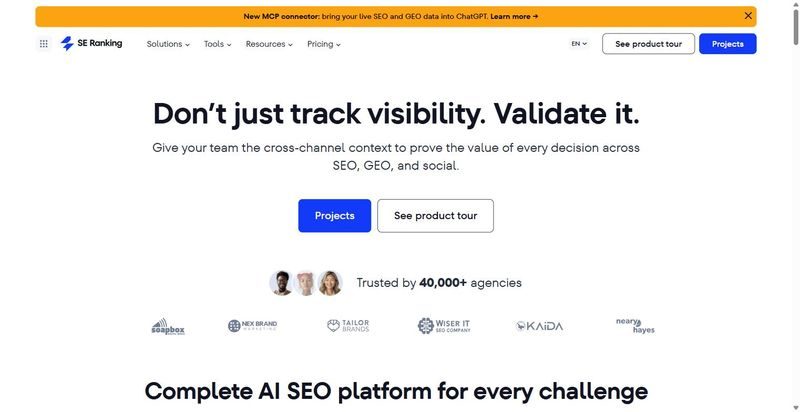
SE Ranking’s API is the rare setup that ships API and MCP access with every plan, pairing raw SEO data with a real workflow layer.
Best for: In-house SEO and data-engineering teams that want AI-search visibility as a pipeline-able signal, not another dashboard.
Standout: The AI Search API is the real draw. It returns programmatic share-of-voice and prompt-level data across ChatGPT, Gemini, Perplexity, AI Overviews, and AI Mode. That turns AI-search visibility into a tracked signal you can pipe straight into a warehouse. A 160+ tool MCP server (Claude, ChatGPT, Cursor) then lets an analyst pull a backlink or keyword result in plain English.
Pros:
- Ships API and MCP access on every plan, not billed as a separate line item.
- Tracks AI-search share-of-voice across ChatGPT, Gemini, Perplexity and AI Overviews through one endpoint.
- Splits a credit-based Data API from a Project API that automates rank tracking and competitors.
- Connects to Looker Studio (official partner), n8n, Make.com, and a Postman collection.
Cons:
- No first-party SDKs. You get REST and a Postman collection, nothing more.
- The default rate limit sits near 10 requests/second until you ask support to raise it.
- Migrating off another provider means remapping endpoints by hand.
Pricing: Core runs $129/mo for 25,000 Data API credits ($103.20/mo annual), Growth $279/mo for 100,000; a standalone Data API starts at $179/mo for 12M credits annual, pay-as-you-go is $50 per 250,000 non-expiring credits, and a 14-day trial gives 100,000 credits with full endpoint access. API and MCP are included in every plan.
My verdict: Recommended. If AI-search visibility needs to sit in your warehouse next to rankings and backlinks, this is the ai seo api I’d wire in first. The scale backs it up: 5.4B keywords, 2.7T backlinks, 6B+ pages crawled daily across 188 countries. Just budget an afternoon to remap endpoints and file the rate-limit request early.
2. Serpstat
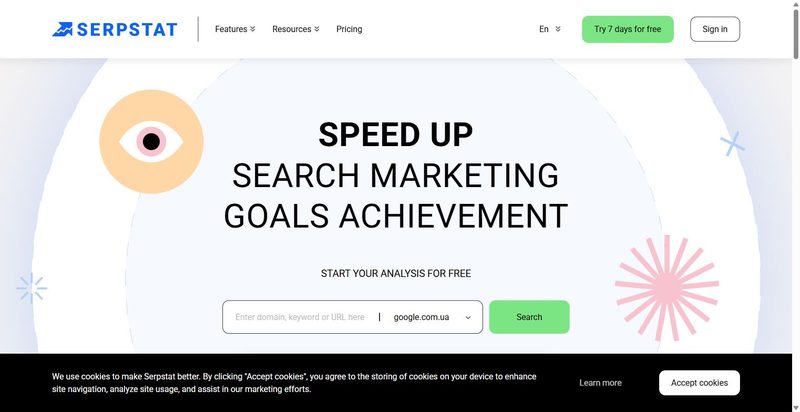
Serpstat bundles keyword, competitor, backlink, SERP, and site-audit data into one subscription, with API credits attached to whichever plan tier you buy.
Best for: Mid-market teams that want platform breadth on a single bill and can tolerate modest throughput.
Standout: One plan, one account, and you get programmatic access to keyword research, organic and paid competitor analysis, keyword gaps, backlink data, live SERP results, and site-audit issues. Most vendors split those across separate products and separate invoices. Serpstat keeps the surface area wide without multiplying your contracts.
Pros:
- Pull keyword, competitor, backlink, and SERP data from a single credit pool instead of stitching four vendors together.
- Localize keyword metrics, questions, and suggestions by geography without a separate data source.
- Consolidate everything onto one invoice, which kills the procurement overhead of multiple SEO contracts.
Cons:
- Published rate limits and credit-consumption rules aren’t documented transparently, so you size throughput blind until you talk to sales.
- Most plans throttle to roughly 1 request/second, only the top tier reaches around 10/s, and access starts at the Team tier behind a data-solutions call before you can pull.
Pricing: Monthly plans historically run $50, $100, $169, and $410, with a custom pay-as-you-go layer that lowers the per-row rate at commitment.
Honest assessment: Recommended as a mid-tier all-in-one when breadth on one bill matters more than speed. If your pipeline needs to move fast, the 1 request/second ceiling on most plans and the sales call before Team-tier access will frustrate your engineers. Budget the top tier for real throughput, or look elsewhere.
Tier 2: Raw-data engines you build on
Raw-data engines sell the pipes and nothing above them. A serp api or a keyword research api at this tier returns clean, high-volume structured data, but every report, chart, and alert built on it is yours to write and maintain.
3. DataForSEO
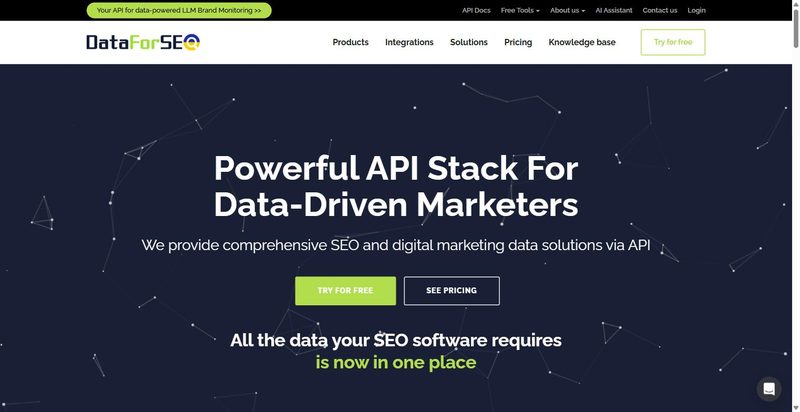
A pure pay-as-you-go serp api and raw-data engine that hands you the pipes and expects you to build everything downstream yourself.
Best for: Teams with engineers who want to own the pipeline end to end.
Standout: Eleven API families sit under one account, including SERP, DataForSEO Labs for keyword research, Backlinks, On-Page, Domain Analytics, and an AI Optimization API. It never pretends to be a reporting product. This is infrastructure you build your own layer on top of, priced per request with no subscription tax attached.
Pros:
- Scales to roughly 2,000 requests per minute for heavy concurrent workloads.
- Starts at $0.0006 per SERP on Standard, rising to about $0.002 on Live.
- Consolidates 11 data families under a single account and balance.
Cons:
- You build the entire reporting layer yourself. Nothing ships stakeholder-ready.
- Cost forecasting is genuinely hard. Price scales with priority, result depth, and parameter multipliers.
Pricing: Pay-as-you-go from $0.0006/SERP. $50 minimum deposit, plus $1 free credit and a sandbox.
My verdict: Recommend, with one condition. Buy this only if you have engineering time to spend, because you’re funding a balance and drawing down per request, not buying dashboards. Give it the $1 credit and sandbox first. If nobody on your team wants to own the pipeline, walk away.
Tier 3: Proprietary-index APIs (one company’s crawl)
Proprietary-index SEO APIs sell access to a single company’s crawl. You rent that vendor’s backlink api and keyword index rather than owning portable data, so your coverage, and your blind spots, are inherited from their index.
4. Ahrefs API
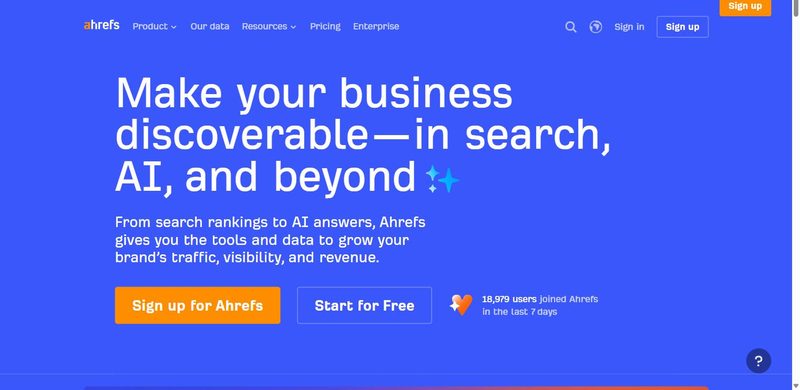
Ahrefs API rents you access to one company’s index: backlinks, organic keywords, rank tracking, site audit, and Domain Rating from a single proprietary crawl.
Best for: Teams where link authority is the centerpiece signal and one vendor’s index is an acceptable dependency.
Standout: Beyond a credible backlink api, it exposes SERP Overview for the top 100, Batch Analysis across up to 100 targets in one call, and Brand Radar with AI-citation data. That breadth means link, SERP, and AI-visibility signals arrive from the same index instead of three stitched-together vendors.
Pros:
- Buy first-party crawl data, not resold third-party feeds.
- Query SERP Overview, Batch Analysis, and Brand Radar from one index.
- Test with free queries before consumed units bill against you.
Cons:
- Gates everything behind a paid Ahrefs subscription, with no API on any free account.
- Burns units fast on wide row and field requests, and caps lower tiers by both unit budget and rows per request, so bulk backfills escalate quickly.
Pricing: Lite $129/mo (100,000 units, 100 rows/request), scaling to Enterprise $1,499/mo. A paid Ahrefs plan is required.
Honest assessment: Recommend it when link authority is your centerpiece signal, and you accept renting one vendor’s index. The units model punishes wide pulls, so budget for it and expect 429 throttling around 60 requests per minute. If you need multi-source backlink coverage, look elsewhere.
5. Semrush API
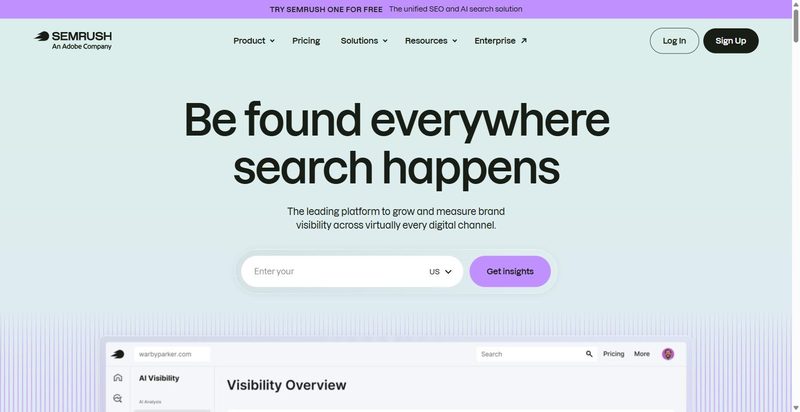
Semrush splits its data across two paid tracks, and buying either one is harder than the marketing suggests.
Best for: Teams already paying for Semrush Business that want their existing data over an API.
Standout: Two APIs, sold separately. The Standard/Analytics track carries SEO and PPC data, priced in units at roughly 10 per live keyword line and 50 for historical. The Trends API ships as its own unit packs, caps at 10 requests per second, and returns CSV only.
Pros:
- Taps the full Semrush SEO and PPC dataset your team already trusts.
- Meters usage in units, so you pay for what you actually pull.
Cons:
- Demands the Business tier plus separately purchased units. No free trial to prototype against.
- Hides unit pricing behind a quote, and Trends returns CSV only.
Pricing: Business subscription plus separately purchased units, no published flat price (expect a quote). Trends sold as its own unit packs; Map Rank Tracker API is free.
My verdict: Buy this only if you already live in Semrush Business and want programmatic access to data you’re paying for. For everyone else, the Business-plus-units barrier and quote-only pricing make it the hardest API here to even price out. An extension, not a foundation.
6. Moz Links API
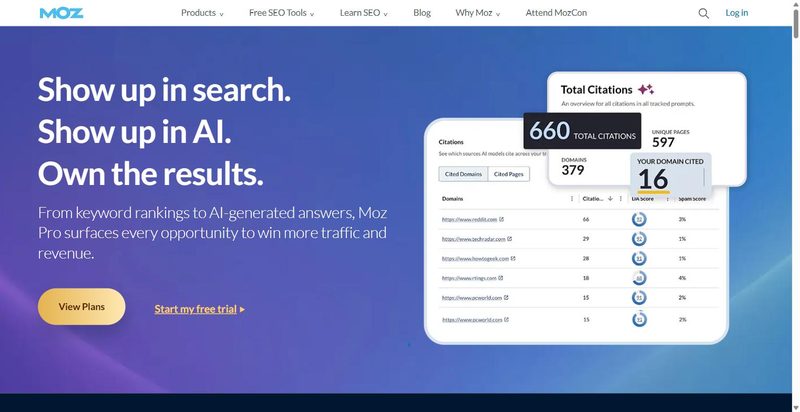
A single-signal backlink API scoped to link intelligence and nothing else, returning Domain Authority, Page Authority, and anchor data.
Best for: Normalizing authority into one DA/PA column your whole portfolio already trusts.
Standout: DA and PA are Moz’s own proprietary numbers, not Google figures. That’s exactly why they work. Everyone already accepts the same score, so it settles the endless portfolio argument over which authority number to trust. Brand Authority and keyword-metrics endpoints round out the link intelligence.
Pros:
- Returns Domain Authority, Page Authority, linking root domains, anchor text, and spam score from one endpoint set.
- Ends portfolio-wide DA disputes by handing every team the same proprietary number.
Cons:
- Covers links, DA, and PA only. No SERP feed and no keyword database through this API.
- Refreshes slower than any live-SERP option, and the free tier tops out at a toy 50 rows/month.
Pricing: New paid plans start at $20/month, metered by rows/month, not requests, with weighted endpoints eating more than one row per object. Free access runs 1 request per 10 seconds, up to 50 rows/month.
Honest assessment: Buy it as a normalized authority column, not a primary data source. If you need SERPs or a keyword database, this API won’t give them and doesn’t claim to. As the authority signal in a larger stack, it’s worth the $20 floor. Recommend for that one job.
Tier 4: Specialist and first-party APIs
Specialist and first-party SEO APIs each do one job well. A rank tracking api or a first-party performance feed covers its single lane cleanly and hands everything else off to another tool in the stack.
7. AccuRanker API
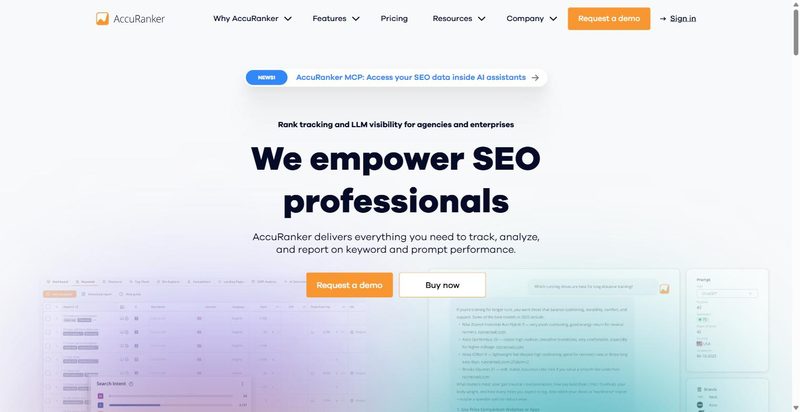
AccuRanker’s Read API v4 does one job: it moves keyword rankings, domain metrics, and landing-page data into your warehouse.
Best for: Teams piping scheduled rank pulls into a warehouse or BI stack instead of staring at a dashboard.
Standout: The plumbing is the pitch. It ships native connectors for the destinations analysts actually work in: BigQuery, Looker/Data Studio, Search Console, Google Sheets, and Databox. Rank data lands in the warehouse or BI layer without a maintenance-heavy glue script in between. This is a rank tracking api built for pipelines, not dashboards, and the connector list is the tell.
Pros:
- Ship rank data straight into BigQuery, Looker, GSC, Sheets, or Databox without custom connectors.
- Pull keyword rankings, domain metrics, and landing-page data from one Read API v4 endpoint set.
Cons:
- Covers rank tracking only. No backlink index, no keyword-research database.
- The 4-concurrent-request ceiling is fine for scheduled pulls but tight for anything bursty.
Pricing: The Read API isn’t sold per request. It’s bundled with higher plans (not the entry tier), and cost scales with your tracked keyword count.
My verdict: Recommend it if your endgame is rank data in a warehouse and your team lives in BigQuery or Looker. The connectors save you weeks of pipeline work. Warning: if you need backlinks or keyword research in the same call, this isn’t your API. Buy it for what it is.
8. Google Search Console API
Google’s own first-party API, free, handing you real Search data from your verified properties – the baseline every other API answers to.
Best for: Reconciling every paid tool’s estimate against Google’s own clicks, impressions, and average position.
Standout: When a paid vendor’s traffic estimate and Search Console disagree, most teams trust Search Console. This is the google rankings api grounded in Google’s own figures: clicks, impressions, average position, and CTR per query, plus top-page data, URL Inspection, and sitemap submission. Treat it as the reference every other API gets reconciled against, at zero cost.
Pros:
- Pull real query, click, impression, CTR, and position data straight from Google, no estimation layer.
- Run 1,200 queries per minute per site for Search Analytics, plus URL Inspection and sitemaps, for free.
Cons:
- Covers only your own verified properties, never a competitor’s.
- Trails live rankings by a few days, stops at roughly 16 months of history, returns about 1,000 rows per request by default, and hides long-tail queries behind anonymization.
Pricing: Free. 1,200 queries/minute per site for Search Analytics.
Honest assessment: Recommend without reservation. Every in-house pipeline should already pull GSC, and most quietly don’t. It’s the non-negotiable free baseline you validate paid data against. Just don’t expect it to replace a paid API: no competitor data, capped history, sampled long tail. Use it as the floor, not the ceiling.
Which SEO API to wire in first
For most in-house teams, the answer is the SE Ranking API: SERP, keyword, backlink, and AI-search data plus a workflow layer on one plan, with minimal engineering to stand it up. Every other pick below is a scenario exception, so shop by what you’re building, not by sticker price.
Need a raw backend and have engineers to run it? DataForSEO. Link authority as your centerpiece? Ahrefs or Moz for a normalized DA column. Rank data flowing into a warehouse? AccuRanker. And whatever else you choose, wire the free Google Search Console API into everything as your first-party baseline. There’s no excuse to skip it.
Skip Semrush’s API as your foundation unless you already pay for Business; the unit-plus-quote model isn’t worth the procurement friction as a starting point.
One more reason to fix AI-search data now rather than in 2027: Gartner expects traditional search volume to fall 25% by 2026 as queries move to AI assistants, and Pew Research found users click a result on just 8% of searches that show an AI summary, versus 15% without. The clicks are draining into answers you can’t see unless your best SEO API can measure them. Pick the one whose data you’ll actually operationalize; an unused endpoint is just a line item.
Frequently asked questions
What makes an SEO API reliable enough for a production pipeline?
Three things a demo never shows you: the real rate ceiling and concurrency limit (what happens when a backfill fires thousands of calls), the refresh cadence of the underlying data, and how the vendor handles deprecation. A generous per-second limit and monthly-or-better refresh matter more than any single headline feature once the job runs unattended.
Which SEO APIs give you AI-search (GEO) data?
Very few. SE Ranking exposes a dedicated AI Search API for share-of-voice and prompt-level data across ChatGPT, Gemini, Perplexity, AI Overviews, and AI Mode; Ahrefs surfaces AI-citation data through Brand Radar, and DataForSEO offers an AI Optimization API. Most others give you none, so if AI visibility is a tracked metric, check the endpoint list before you commit.
Do you own the data an SEO API returns, or are you renting one vendor’s index?
Both models exist. Raw-data engines and platform APIs return data you can store and reuse across sources; proprietary-index APIs sell access to one company’s crawl, which means your reporting inherits that vendor’s coverage and its gaps. Neither is wrong, but know which you’re buying, because it decides how portable your pipeline is later.
Is the free Google Search Console API enough on its own?
For first-party performance, it’s the most credible source you have, and it costs nothing. But it only covers your own verified properties, caps history at nearly 16 months, and anonymizes long-tail queries. It’s the baseline every report should start from, not a replacement for a paid data API that can reach competitor, keyword, and backlink data.
What is an API in SEO?
In SEO, an API is a programmatic door to a tool’s data: you send a request to a defined endpoint and get structured JSON back instead of clicking through a dashboard export. The payload might be rankings, keyword metrics, backlinks, live SERPs, or AI-search visibility. Feeding it into your own warehouse and scheduled jobs is what makes analysis at real scale possible.
Photo by Merakist: Unsplash

Priya Nandakumar covers enterprise technology and AI infrastructure for DevX, with a focus on the systems decisions that look fine until they don't. Caching layers, message queues, fault tolerance. She spent seven years as a backend engineer at two Series C startups before moving into technical journalism, and she still reads changelogs for fun.